
Rapid application development has quietly reshaped how modern software gets built. What once required months of backend-heavy engineering can now be prototyped, tested, and deployed in weeks or days using mature low-code and no-code platforms. In 2026, RAD and RWAD tools are no longer just shortcuts for MVPs; they are production-grade systems powering internal tools, customer-facing apps, and cross-platform products at scale.
This guide breaks down the five best rapid application development tools to use in 2026, explains why RAD matters more than ever, and helps you choose the right platform based on real-world needs not marketing promises.
Benefits of Rapid Web Application Development Tools
Speed Without Sacrificing Structure
RAD tools dramatically compress development timelines by replacing boilerplate code with reusable components, visual logic editors, and drag-and-drop interfaces. Instead of wiring authentication, data binding, and UI states from scratch, teams assemble working systems using prebuilt blocks that already follow best practices.
In practice, this means faster prototyping and quicker iteration cycles—especially valuable when requirements evolve mid-project.
Flexibility and Adaptability
Modern RAD platforms are designed for change. Whether it’s a new API integration, a redesigned workflow, or an additional deployment target, updates can be applied incrementally without tearing down the entire application. This adaptability is why RAD has become popular beyond startups, extending into enterprise-grade development.
Better Collaboration Across Teams
RAD tools increasingly support real-time collaboration, role-based access, and shared environments. Product managers can review flows, designers can adjust layouts, and developers can fine-tune logic—all without blocking one another. This reduces handoff friction and keeps stakeholders aligned.
Cost-Effective Development
By reducing development hours and minimizing rework, RAD tools significantly lower overall costs. Fewer engineers are required to ship functional applications, and maintenance becomes less resource-intensive thanks to centralized logic and standardized components.
5 Best Rapid Application Development Tools in 2026
1. UI Bakery
UI Bakery has emerged as a standout platform for building internal tools and data-driven web applications. Its strength lies in balancing low-code speed with developer-level control.
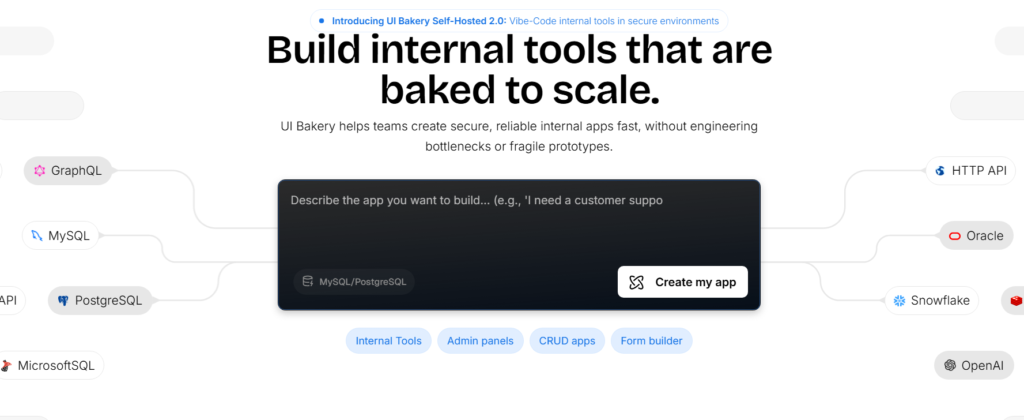
The platform offers robust API integration, advanced data binding, and a powerful logic editor that supports complex workflows without locking teams into rigid abstractions. UI Bakery also supports code export, which is critical for organizations that want long-term ownership and extensibility.
Best for: Internal tools, admin panels, data-heavy dashboards
Notable strengths: Code export, CI/CD support, enterprise security controls
2. OutSystems
OutSystems remains a heavyweight in enterprise rapid application development. It’s built for scale, compliance, and long-term maintainability—making it a common choice in regulated industries.
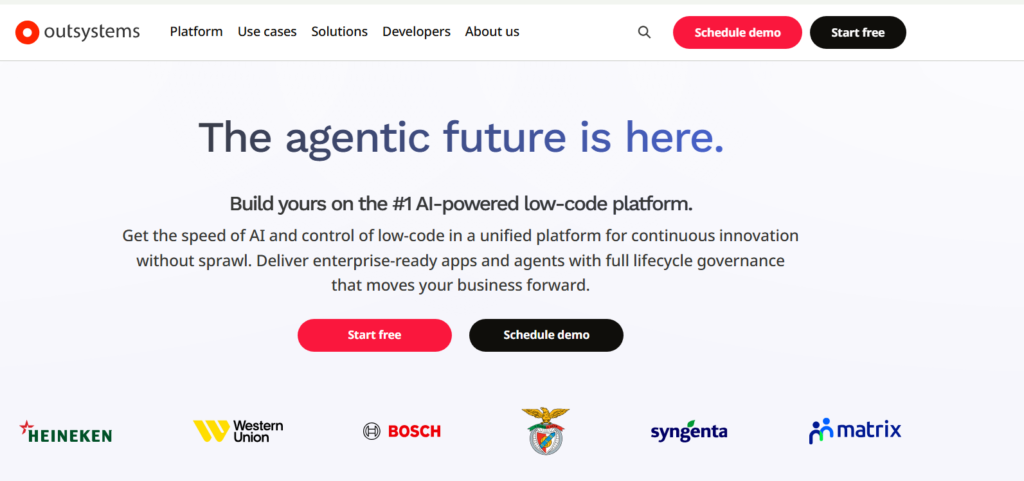
The platform excels in multi-platform deployment, allowing teams to ship web and mobile apps from a single codebase. Its built-in performance monitoring and CI/CD pipelines make it suitable for mission-critical systems.
Best for: Large enterprises, regulated industries
Notable strengths: Scalability, governance, enterprise-grade security
3. Bubble
Bubble continues to dominate the no-code space, especially among startups and solo founders. Its visual editor enables full-stack web application development without writing traditional code, including database management and logic workflows.
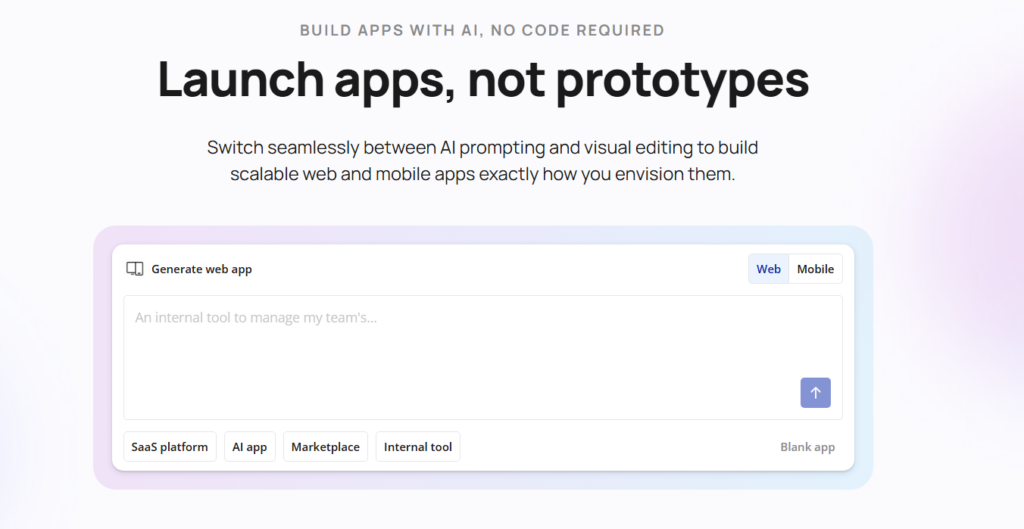
While Bubble may face performance limitations at extreme scale, it remains unmatched for rapid prototyping and early-stage product validation.
Best for: Startups, MVPs, non-technical founders
Notable strengths: Built-in database, fast iteration, large plugin ecosystem
4. Retool
Retool is purpose-built for internal tools, with a focus on speed, security, and developer efficiency. It integrates seamlessly with existing databases and APIs, making it ideal for operational dashboards and back-office systems.
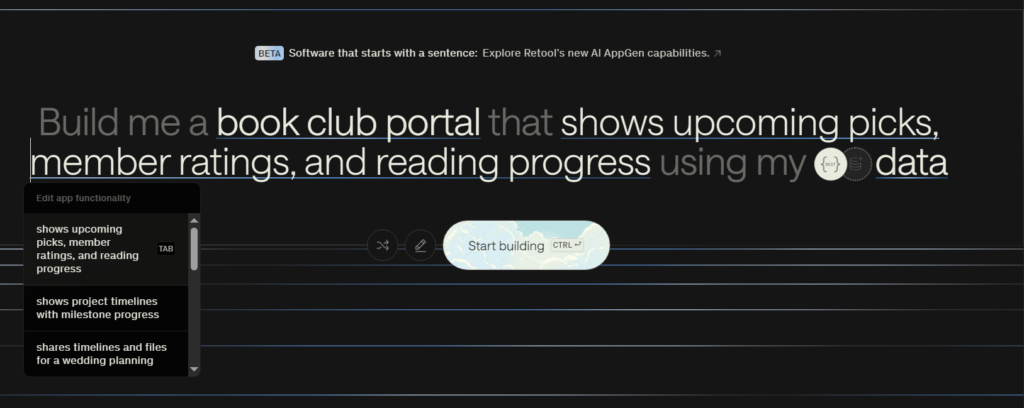
Developers appreciate Retool’s ability to mix JavaScript with visual components, offering flexibility without abandoning structure.
Best for: Engineering teams building internal systems
Notable strengths: API-first approach, strong security model, fast setup
5. AppGyver
AppGyver (now part of SAP’s ecosystem) is a powerful no-code platform focused on cross-platform application development. Its Composer Pro environment allows teams to design logic-heavy apps visually while targeting web and mobile simultaneously.
AppGyver is particularly appealing for organizations already invested in SAP tools or looking for cost-effective multi-platform deployment.
Best for: Cross-platform apps, SAP-centric organizations
Notable strengths: Visual logic editor, multi-platform output, no licensing cost
| Tool | Best Use Case | Skill Level Needed | Scalability | Code Export |
| UI Bakery | Internal tools, dashboards | Medium | High | Yes |
| OutSystems | Enterprise applications | Medium–High | Very High | Limited |
| Bubble | MVPs, startups | Low | Medium | No |
| Retool | Internal admin systems | Medium | High | Partial |
| AppGyver | Cross-platform apps | Low–Medium | Medium | No |
Pricing and Cost Considerations (High-Level)
While pricing changes frequently, most RAD platforms follow predictable patterns:
- Bubble & AppGyver: Lower entry cost, ideal for early-stage teams
- UI Bakery & Retool: Mid-tier pricing, optimized for internal business use
- OutSystems: Premium pricing, justified by enterprise features and support
The key takeaway is to align pricing with usage. Paying enterprise rates for a prototype—or choosing a free tool for a mission-critical system—usually backfires.
How to Choose the Right Rapid App Development Tool for Your Business
Start by clarifying your primary goal. Are you validating an idea, streamlining internal operations, or replacing a legacy system?
Then evaluate:
- Scalability needs: Will this app support hundreds or thousands of users?
- Security requirements: Does it need GDPR or HIPAA compliance?
- Integration complexity: How many APIs, databases, or third-party services are involved?
- Team skill level: Who will maintain the application long-term?
Choosing the right RAD tool is less about features and more about fit.
Industry-Specific Use Case Examples
- Healthcare: OutSystems powering compliant patient portals
- Finance: Retool dashboards for internal risk analysis
- E-commerce: Bubble-based MVPs for marketplace testing
- SaaS Operations: UI Bakery for admin panels and analytics tools
- Logistics: AppGyver for cross-platform field applications
