
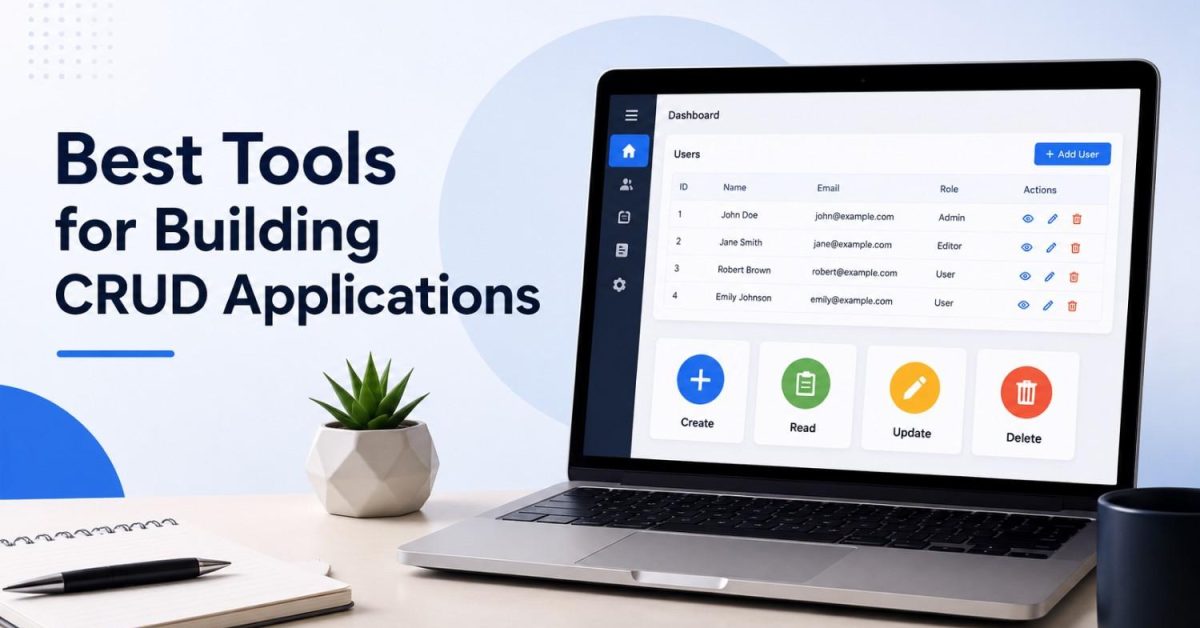
The best tools for building CRUD applications fall into four families: no code builders like Bubble and Softr for non technical users, low code platforms like Retool and Appsmith for internal tools, code frameworks like Django and Next.js with Supabase for developers, and the newest family, AI app builders like Lovable and Bolt that generate working apps from a text prompt. The right choice depends on who is building, how custom the app must be, and where your data lives.
Most guides on this topic are written by the tool companies themselves, which is why every list crowns its own author. We are a development agency, not a tool vendor, so this guide ranks nothing we sell. Here is the honest map.
What Is a CRUD Application?
CRUD stands for Create, Read, Update, and Delete, the four basic actions any app performs on data. Add a task, view your tasks, edit one, remove one: that is CRUD. It sounds simple, yet it is the dominant pattern behind most business software, from inventory trackers and admin panels to CRMs and customer portals.
Because CRUD apps follow such a predictable pattern, they are the easiest category of software to build with modern tools, and the hardest to justify building slowly from scratch.
Family 1: No Code Builders (For Non Technical Users)
These tools let you build by dragging, dropping, and configuring, with zero programming.
Bubble is the heavyweight. It can build full customer facing products, marketplaces, and SaaS apps with complex logic, all visually. The trade off is a real learning curve and hosting locked to their platform.
Softr is the fastest path from a spreadsheet to an app. It turns Airtable or Google Sheets data into client portals and internal tools in minutes, with polished templates. Its ceiling is lower, since it leans on those data sources.
Knack and Zoho Creator serve traditional businesses that want straightforward database apps with forms, views, and permissions, without design ambitions.
Best for: founders validating an idea, small businesses replacing spreadsheets, and teams with no developer.
Family 2: Low Code Internal Tool Platforms (For Teams and Developers)
These platforms give you prebuilt tables, forms, and charts that connect directly to your databases and APIs. You assemble instead of coding, but a little JavaScript unlocks full flexibility.
Retool is the market leader for internal tools, with deep component libraries and strong integrations. It shines when engineers need dashboards and admin panels shipped by Friday.
Appsmith is the leading open source alternative. It connects to 25+ databases, can generate a CRUD interface for any database in a few clicks, and can be self hosted for free, which matters for data control.
Budibase and ToolJet are also open source and popular for self hosted internal software. UI Bakery and NocoBase round out the field with template rich approaches.
Best for: admin panels, support dashboards, and operations tools sitting on top of existing company data. This family is where most real internal CRUD apps get built, and it is dramatically faster than custom coding straightforward panels.
Family 3: Code Frameworks (For Developers)
When the app is your product, or the logic gets genuinely complex, developers reach for frameworks.
Django ships with a ready made admin panel out of the box, making Python one of the fastest routes to a working CRUD backend. Laravel does the same for PHP, and Ruby on Rails practically invented rapid CRUD scaffolding.
Next.js with Supabase is the modern JavaScript stack: React on the front, and Supabase bundling your Postgres database, auth, and instant APIs behind it. We broke down exactly what that backend costs in our guide to Supabase pricing.
Refine deserves a mention as a React framework built specifically for CRUD heavy apps, handling auth, routing, and data plumbing so developers only write the unique parts.
Best for: customer facing products, apps with complex business rules, and anything that must scale beyond internal use.
Family 4: AI App Builders (The 2026 Shift)
This is the family most existing guides barely mention, and it is changing the economics of CRUD development.
Prompt to app builders like Lovable, Bolt, and v0 generate a working application from a plain English description. Type “build me a customer tracker with login and an admin table” and a functional first version appears in minutes. Because CRUD is such a well defined pattern, AI handles the straightforward cases reliably.
AI coding agents like Cursor, Claude Code, and OpenAI Codex take the developer route instead: they write and edit real code in a real codebase, which means no platform lock in and no ceiling on customization. We have covered this space in depth, including our honest look at whether Cursor can handle serious development and our comparison of Augment Code vs Cursor.
The honest caveat from our daily work with these tools: AI generates the first 80 percent fast, but security, permissions, and messy real world logic still need experienced human review. Broken access control sits at the top of OWASP’s list of critical web app risks, and CRUD apps sit directly on your business data, so “it works” is not the same as “it is safe.”
Best for: rapid prototypes, MVPs, and accelerating professional developers.
How to Choose: A Simple Decision Framework
| Your Situation | Best Family | Start With |
|---|---|---|
| No coding skills, simple app | No code | Softr or Bubble |
| Internal tool on existing company data | Low code | Retool or Appsmith |
| Customer facing product with custom logic | Framework | Next.js + Supabase or Django |
| Fast MVP, some technical comfort | AI builder | Lovable or Bolt |
| Complex app, developer on hand | Framework + AI agent | Cursor or Claude Code |
Three questions settle most cases. Who maintains this app after launch, because that person’s skills define your ceiling? Where does the data live, since tools that connect directly to your existing database beat tools that force a migration? And will this stay internal, because internal tools forgive rough edges that customers will not?
When Do Tools Stop Being Enough?
Every family above has a ceiling. You will feel it when the app needs unusual integrations, heavy automation between systems, AI features like smart search or document processing, or performance at real scale. At that point, gluing more workarounds onto a builder costs more than building properly.
That boundary is where our work usually begins. We build custom applications with exactly these needs through our custom AI development service, and when the goal is connecting your existing tools so data flows without manual work, that is our AI automation and workflow integration territory. The efficient path for many clients is starting on a tool from this guide, proving the workflow, then upgrading the parts that hit the ceiling.
Frequently Asked Questions
What is the easiest tool for building a CRUD application?
For non technical users, Softr is the fastest if your data is in Airtable or Google Sheets, and Bubble offers the most power. With basic technical comfort, AI builders like Lovable produce a working app from a text description in minutes.
What is the best free tool for CRUD apps?
Appsmith, Budibase, and ToolJet all offer open source versions you can self host at no license cost. Among frameworks, Django and Laravel are completely free, and Supabase’s free tier covers the backend while you build.
Can AI really build a CRUD app by itself?
For standard cases, yes: CRUD is a predictable pattern, so tools like Lovable and Bolt generate working apps from plain descriptions. Security, permissions, and complex business rules still need human review before real users touch the app.
Should I use a no code tool or hire developers?
Start with the maintenance question. If a no code tool covers your needs and someone on your team can own it, start there, since it is faster and cheaper. Hire developers when the app is customer facing, handles sensitive data, or needs logic the tools cannot express.
Are CRUD apps still relevant in 2026?
More than ever. CRUD remains the dominant pattern behind business software, and modern tools just changed who can build it and how fast. The pattern did not go away, the barrier did.
