
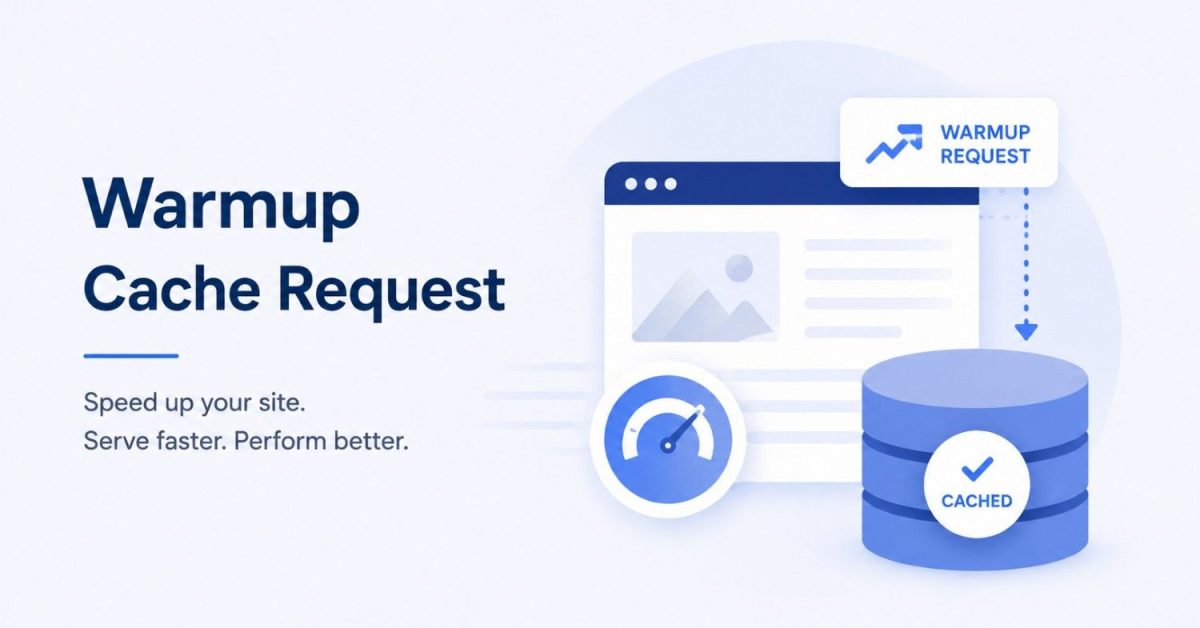
A warmup cache request is an automated HTTP request sent to an important page or API before real users arrive. Its purpose is to generate the response and store it in cache ahead of time, so the first real visitor does not have to wait for the application, database, and server to build everything from scratch.
This is especially useful after a deployment, cache purge, server restart, or before a planned traffic spike.
Done correctly, cache warming can improve Time to First Byte (TTFB), reduce sudden backend load, and make website performance more consistent from the very first visit.
What Happens When the Cache Is Cold?
A cache is considered cold when the requested content is not stored yet.
When someone visits a cold page, the request may need to:
- Reach the CDN or reverse proxy.
- Continue to the origin server.
- Run application logic.
- Query the database or other services.
- Build the response.
- Store the result in cache.
That first request is usually slower.
Once the result has been cached, later visitors can often receive the same content much faster.
A warmup request simply performs that first expensive request before a real visitor has to.
How a Warmup Cache Request Works
A typical warmup process looks like this:
Warmup script → CDN → Reverse proxy → Application → Database → Response cached
A script, deployment pipeline, scheduled job, or crawler sends an HTTP GET request to a target URL.
If the CDN does not already have the response cached, it forwards the request to the origin. The application generates the page or API response as usual.
Caching headers such as Cache-Control, ETag, Vary, or Surrogate-Control then determine how the response should be stored.
When a real visitor requests the same cacheable version later, the CDN or another cache layer can serve it directly.
When Should You Use Cache Warming?
Cache warming is most valuable when you know important cache entries are about to be empty.
Common situations include:
- after a website deployment
- after a CDN or application cache purge
- after server or cache restarts
- before product launches or marketing campaigns
- before predictable traffic spikes
- after updating high-traffic pages
You usually do not need to warm an entire website.
Start with high-value URLs such as your homepage, major landing pages, category pages, popular products, and important public API endpoints.
For many websites, starting with around 20–100 critical URLs is more practical than warming thousands of pages.
Why Cache Warming Matters
Faster First Visits
Without warming, your first users after a deployment or purge become responsible for rebuilding the cache.
With warming, they are much more likely to receive the same fast response as later visitors.
Lower TTFB
Cached content avoids much of the application and database work required by an uncached response.
That can significantly reduce Time to First Byte, especially when the content is served from a nearby CDN edge.
Lower Origin Load
Cold caches can create sudden spikes in database queries, CPU usage, and application processing.
This becomes particularly important during sales, launches, or high-traffic events.
Warming critical content beforehand spreads that work more predictably.
More Consistent Performance
A website can have excellent average performance while still becoming slow immediately after every deployment.
Cache warming helps remove those temporary slow periods.
Cache Warming and SEO
Cache warming can support SEO indirectly by improving performance.
A faster server response gives the browser an earlier opportunity to begin rendering the page, which can help Largest Contentful Paint (LCP) and the overall user experience.
Google’s published “good” LCP threshold remains 2.5 seconds or less.
However, cache warming should not be treated as an SEO shortcut. It cannot compensate for poor content, slow JavaScript, oversized images, or an inefficient backend.
Its main SEO value comes from making an already well-optimized website more consistently fast.
The Most Important Rule: Warm the Right Cache Variant
A warmup request is useful only when it creates the same cache entry that real users will request.
Your cache key may vary based on:
- cookies
- query parameters
- language
- device type
- request headers
- location
If your script warms one version while most users request another, the warmup may appear successful but provide little real benefit.
Always review your cache keys and Vary rules before building a large warmup process.
Never Warm Personalized Content Into a Shared Cache
Do not blindly warm authenticated or user-specific pages.
Examples include:
- account dashboards
- shopping carts
- private APIs
- admin pages
- session-specific content
- pages containing personal information
If personalized content is mistakenly placed in a shared cache, it can create serious privacy and security problems.
Warm public, safely cacheable versions only.
How to Do Cache Warming Correctly
A simple implementation can follow this process.
1. Choose Your Priority URLs
Use analytics and server logs rather than guessing.
Prioritize pages with high traffic, conversions, revenue, or expensive backend processing.
2. Send Warmup Requests After Important Events
The most useful trigger is often:
Deploy → Purge/Invalidate → Warm Important URLs → Verify
This can be automated through your CI/CD pipeline.
3. Limit Request Speed
Do not send thousands of cold requests at once.
Remember that warmup requests initially hit your origin. Too much concurrency can overload the database or application server.
Use batching, delays, or concurrency limits.
4. Respect Cache Headers
Check that important responses actually allow caching.
Pay attention to:
Cache-ControlVary- TTL settings
- CDN cache rules
If the response is configured as non-cacheable, repeatedly requesting it will not create a useful warm cache.
5. Identify Warmup Traffic
Warmup requests can appear as normal users in analytics and logs.
Use a dedicated User-Agent or another safe identifier so you can distinguish automated warmup traffic from real visitors.
How to Check Whether Cache Warming Worked
Do not assume that a successful HTTP request means the cache is warm.
Measure it.
Cache Hit Ratio
After warmup, important pages should begin returning cache hits rather than repeatedly reaching the origin.
TTFB Before and After
Compare the same URL when cold and after warming.
A successful warmup should produce a clear improvement in TTFB when the request is being served from the intended cache layer.
Origin Requests
Check your server logs.
If a supposedly warmed page continues hitting the origin on every request, you may have a cache-rule, TTL, or cache-key problem.
P95 or P99 TTFB
Average response time can hide cold-cache problems.
For larger sites, P95 and P99 latency are useful because they show whether your slowest requests improved after adding cache warming.
Common Mistakes
The biggest mistakes are warming too many low-value URLs, sending requests too quickly, ignoring cache-key variations, warming personalized content, and failing to coordinate warming with cache invalidation.
Another major mistake is using cache warming to hide a slow backend.
If an uncached page takes four seconds because of an inefficient database query, warming may make cached requests fast, but every future cache miss still has the same problem.
Cache warming should support good backend performance, not replace it.
Cache Warming vs. Prefetching
These terms are related but different.
Cache warming prepares known high-value content before general traffic arrives.
Prefetching predicts what an individual visitor may request next.
For example, you might warm your homepage and top product pages after deployment, while prefetching related products after a visitor opens a specific product.
Warming prepares the system. Prefetching anticipates user behavior.
Cache Warming in CDN and Serverless Environments
Distributed systems require extra care.
With a CDN, warming a response in one geographic region may not automatically warm every edge location.
If you serve a global audience, test your important regions separately.
Serverless systems can also experience both a cold cache and a cold function start. Cache warming can reduce requests reaching the function, but serverless-specific solutions such as provisioned concurrency or scheduled triggers may still be useful for execution cold starts.
Quick Cache Warmup Checklist
- Identify your most important cacheable URLs.
- Confirm that caching headers and TTLs are correct.
- Exclude personalized and sensitive pages.
- Trigger warmup after deployments and purges.
- Limit request concurrency.
- Match real cache keys and request variations.
- Mark warmup traffic in logs and analytics.
- Measure cache hits and TTFB afterward.
- Monitor origin load and errors.
- Pair warming with a proper invalidation strategy.
Final Takeaway
A warmup cache request solves a simple but important problem: real users should not have to rebuild your cache for you.
By requesting your most important pages and APIs before traffic arrives, you can reduce cold-start latency, improve TTFB, lower sudden server load, and deliver more consistent performance after deployments and cache purges.
The best strategy is targeted rather than aggressive.
Warm what matters, protect your origin, respect cache keys and headers, avoid personalized content, and verify the results with real performance data.
Frequently Asked Questions
1. What is a warmup cache request?
It is an automated HTTP request used to populate a cache before normal visitors request the same content.
2. When should I run a cache warmup?
Usually after deployments, cache purges, server restarts, major content updates, or before expected traffic spikes.
3. How many pages should I warm?
Start with your most important pages. For many sites, around 20–100 high-value URLs is a practical starting point.
4. Does cache warming improve SEO?
Indirectly. It can improve server response consistency and support better loading performance, but it is not a standalone ranking factor.
5. Can cache warming overload my server?
Yes. Large numbers of simultaneous cold requests can create heavy application and database load, so warmup jobs should be throttled.
6. Can I warm personalized pages?
Not safely in a shared cache. Personalized, authenticated, or sensitive content should normally be excluded.
7. How do I know whether the warmup worked?
Check cache-hit behavior, compare cold and warm TTFB, monitor origin request volume, and review high-percentile latency such as P95 or P99.
