
Businesses lose customers in every channel they cannot cover, and the phone is the easiest one to miss. Invoca’s 2026 Lead Conversion Benchmarks Report, based on more than 70 million calls across 10 industries, found that 44% of callers to businesses never reach a person.
AI tools now cover many of those gaps. They answer calls after hours, reply to website chats, draft support replies, book appointments, and respond to customer reviews. This guide compares seven AI tools by the customer channel each one covers, so a small business can pick the ones that fit where its customers actually reach out.
Key takeaways
- DialMyCalls covers the phone, with AI call answering for inbound calls plus voice, text, and email outreach from one account.
- Tidio adds an AI agent to website chat, with a free plan to test it.
- NiceJob handles the review side, with AI-drafted replies to customer reviews.
Top 7 AI tools for small business customer communication
Customers reach a small business through the phone, website chat, email, booking links, and review sites. This list covers one leading tool for each of those channels, starting with the phone.
| Tool | Best for | Pricing | Rating |
| DialMyCalls | AI phone answering and mass notifications | Credit-based, no monthly plan required | 4.7/5 |
| Tidio | AI website chat | Free plan, paid from $24.17/month | 4.7/5 |
| Crisp | AI chat with flat workspace pricing | Free plan, paid from $45/month | 4.6/5 |
| Freshdesk | AI support ticketing | From $19/agent/month | 4.5/5 |
| Help Scout | AI-assisted email support | Free plan, paid from $25/user/month | 4.6/5 |
| Calendly | AI-assisted scheduling | Free plan, paid from $10/seat/month | 4.7/5 |
| NiceJob | AI review replies | From $75/month | 4.9/5 |
Ratings come from Capterra, except DialMyCalls, which uses G2. This comparison is based on published vendor features, current review-site ratings, and listed pricing, not hands-on testing. Prices are starting prices on annual billing where vendors offer it, and they change often, so confirm them on each vendor’s site.
1. DialMyCalls, best for AI phone answering and mass notifications
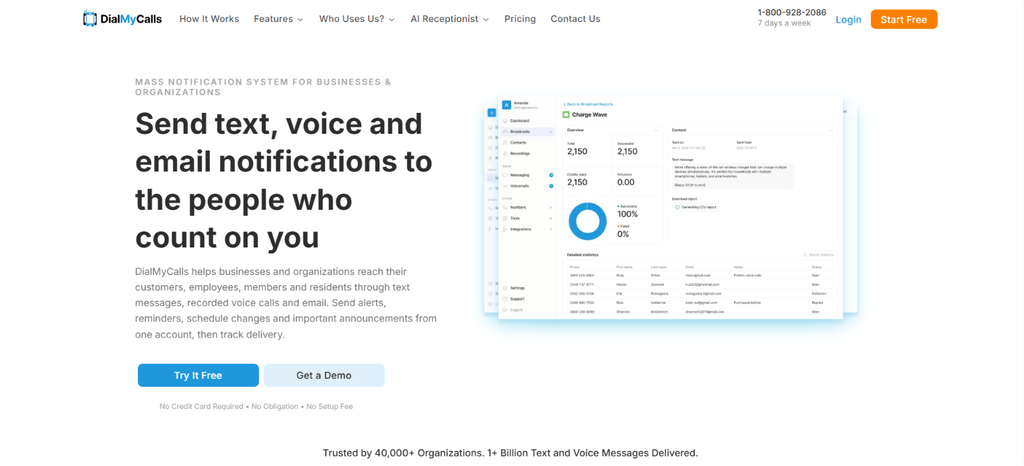
DialMyCalls’ top AI receptionist answers inbound business calls in under a second, 24/7/365, including nights, weekends, and holidays. It answers caller questions from a custom knowledge base, captures caller details, and can qualify and score leads before passing them to your team.
The same account also runs outbound communication: voice broadcasting, mass texting, and bulk email. More than 40,000 organizations use DialMyCalls, and it holds a 4.7 rating across 836 G2 reviews and a 4.3 rating across 502 ResellerRatings reviews. That covers both directions of customer communication, answering the calls that come in and reaching a full contact list when something needs to go out.
Features:
- 24/7 AI call answering: picks up every inbound call in under a second, day or night.
- Custom knowledge base: answers caller questions using your own FAQs and business information.
- Intelligent message taking: captures the caller’s name, phone number, and reason for calling.
- Lead capture and qualification: collects contact details, asks qualifying questions, scores each lead, and sends the lead with its score.
- Phone system integrations: works with many popular business phone systems and providers, so you keep your current business number.
- Voice broadcasting with AccurateAMD: sends recorded or text-to-speech messages to a full list, with answering machine detection that reports a 98% deliverability rate.
- Mass texting and bulk email: includes two-way texting, landline texting, and MMS from the same contact list.
- Telephone polls, push-to-talk, and push-to-opt-out: let recipients respond to a call with a keypress.
- Mobile app and API: manage broadcasts from iPhone or Android, and connect through a customizable API or prebuilt integrations.
Pros
- Answers inbound calls and sends outbound alerts from one account
- Free account with free credits to start
- Support team available 7 days a week
- G2 badges for Easiest Setup and Best Usability
Cons
- No website live chat or helpdesk ticketing, so those channels need a separate tool
- Broadcast costs follow credit usage, so budget for large or frequent sends
Rating: 4.7/5 (G2, 836 reviews)
Pricing: Credit-based pricing with no monthly plan required for calls, texts, and email. Check the DialMyCalls pricing page for AI Receptionist pricing.
Best for: small businesses that want to answer every inbound call and also reach customers or staff by voice, text, and email from one account.
2. Tidio, best for AI website chat
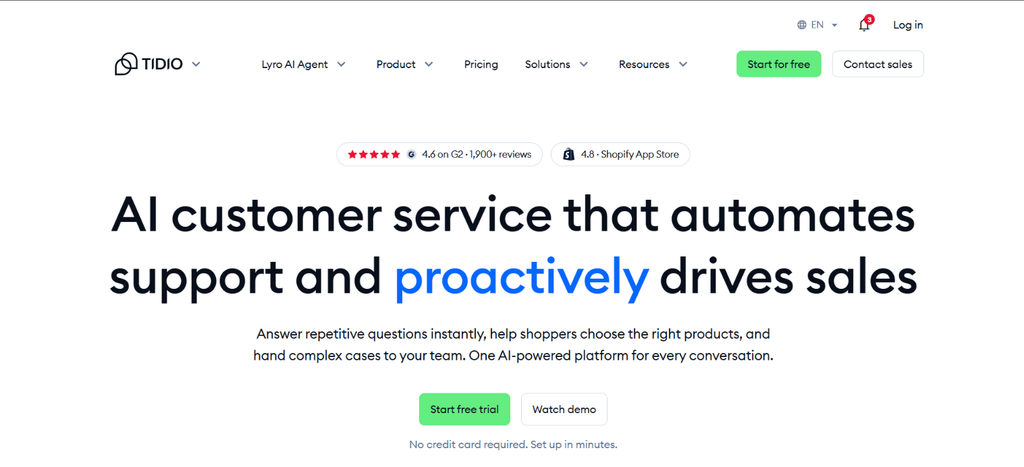
Tidio is a customer messaging platform that combines live chat, a shared inbox, chatbot flows, and Lyro, its AI agent. Lyro answers customer questions from a knowledge base you upload, across the website chat widget, email and tickets, Facebook Messenger, Instagram, and WhatsApp.
Features:
- Lyro AI agent: answers common customer questions from your uploaded knowledge base.
- Live chat and shared inbox: lets your team step in when a customer needs a person.
- Flows: rule-based chatbot automation for common scenarios.
- Multiple channels: website chat, email, Messenger, Instagram, and WhatsApp.
Pros
- Free plan available
- Reviewers consistently praise setup speed
- High rating across Capterra and G2
Cons
- Pricing is layered, with the base plan, Lyro AI conversations, and Flows billed separately
- The free plan is limited to 50 conversations per month
Rating: 4.7/5 (Capterra, about 590 reviews)
Pricing: Free plan available. Paid plans start at $24.17 per month on annual billing, and Lyro AI is a separate add-on.
Best for: small businesses, especially online stores, that want an AI agent answering questions on their website.
3. Crisp, best for AI chat with flat workspace pricing
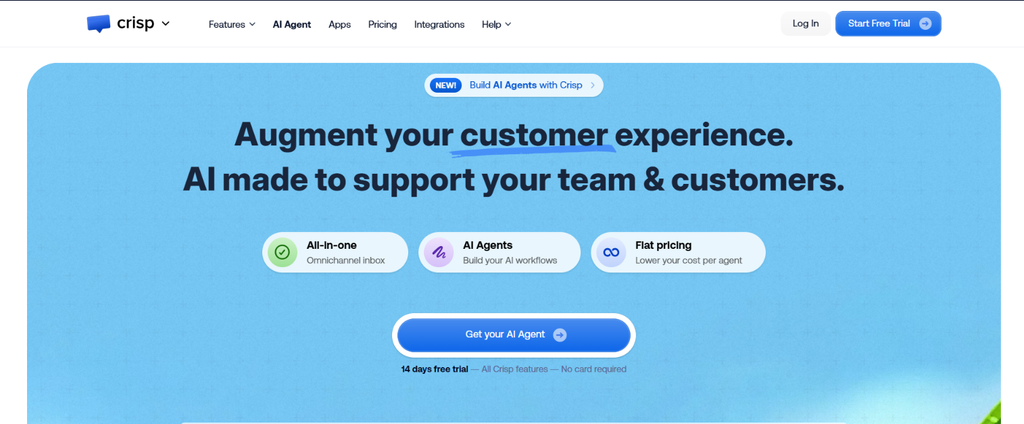
Crisp is a customer messaging platform with a shared inbox, live chat, chatbot, knowledge base, and Hugo, its AI agent. Plans are billed per workspace rather than per seat, which keeps the cost steady as a team adds agents.
Features:
- Hugo AI agent: answers customer questions, with a fixed amount of AI credit included in paid plans.
- Shared inbox: brings customer conversations from several channels into one place.
- Workflow builder and knowledge base: available on the Essentials plan.
- Free plan: includes 2 agents.
Pros
- Flat per-workspace pricing instead of per-seat pricing
- Free plan available
- AI credit is included in paid plans
Cons
- AI usage beyond the included credit costs extra
- Real-time translation is not included in the Mini plan
Rating: 4.6/5 (Capterra, about 150 reviews)
Pricing: Free plan available. Mini is $45 per month, Essentials is $95 per month, and Plus is $295 per month, billed per workspace.
Best for: small teams that want AI chat without paying for every additional seat.
4. Freshdesk, best for AI support ticketing
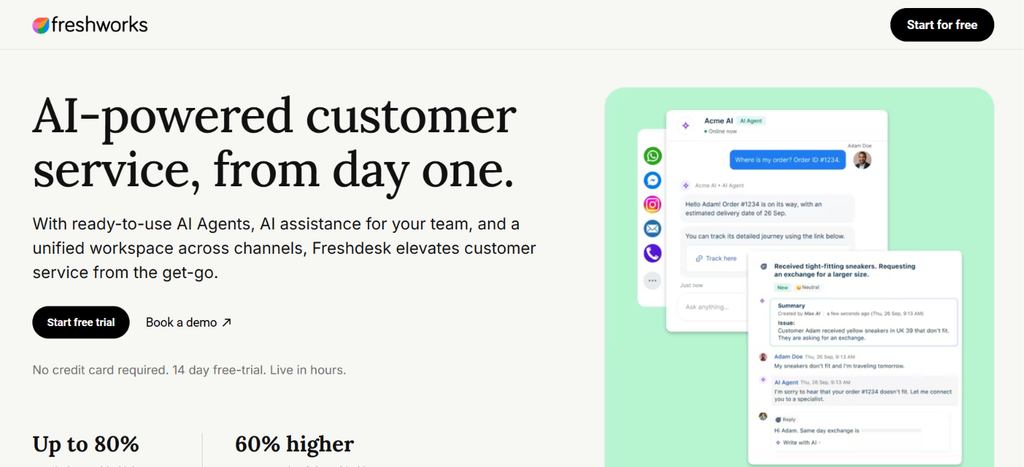
Freshdesk is a customer support platform from Freshworks that combines ticketing, a knowledge base, and Freddy AI. Freddy has three parts: Freddy AI Agent for customer-facing replies, Freddy AI Copilot to help agents draft and summarize, and Freddy AI Insights for analytics.
Features:
- Ticketing and knowledge base: organizes customer requests and self-service articles.
- SLA management: included at the entry tier.
- Freddy AI Agent: includes the first 500 sessions per account, then $49 per additional 100 sessions.
- Freddy AI Copilot: an agent-assist add-on available on Pro and Enterprise plans.
Pros
- Low entry price among mainstream helpdesk tools
- Free AI Agent sessions to test automation
- Scales from a small team to a larger support operation
Cons
- Freddy AI Copilot costs about $29 per agent per month on top of the plan price
- AI Agent usage is billed per session after the included allowance
Rating: 4.5/5 (Capterra, about 3,400 reviews)
Pricing: From $19 per agent per month on annual billing. Pro is $55 and Enterprise is $89.
Best for: small support teams that handle customer requests by email and want AI to answer or draft replies.
5. Help Scout, best for AI-assisted email support
Help Scout is a shared inbox and help desk built around email-style customer support. Its AI tools help agents write and review replies, and its AI Answers chatbot can resolve routine questions on its own.
Features:
- Shared inbox and live chat: keeps customer conversations in one place.
- AI Assist: edits the tone and length of replies and translates them, available on paid plans.
- AI Drafts and AI Summarize: draft replies from past conversations and condense long threads, available on Plus and Pro plans.
- AI Answers: a customer-facing chatbot billed per resolution.
Pros
- Free plan for up to 5 users
- Agents review and send AI drafts, so a person stays in control
- High rating for ease of use
Cons
- AI Answers costs $0.75 per resolution on top of the plan price
- Pricing models have changed in recent years, so confirm which one your plan uses
Rating: 4.6/5 (Capterra, 226 reviews)
Pricing: Free plan available. Standard is $25 per user per month, Plus is $45, and Pro is $75 on annual billing.
Best for: small teams that want a simple email-based help desk with AI help writing replies.
6. Calendly, best for AI-assisted scheduling
Calendly lets customers book appointments through a shared link that syncs with your calendar. Its newer AI features include a meeting notetaker and Callie, an AI email assistant currently in beta.
Features:
- Booking links: sync with your calendar to prevent double bookings.
- Automated reminders: SMS reminders are available on Standard and higher plans.
- AI Notetaker: records, transcribes, and summarizes client meetings.
- Callie: an AI assistant you add to an email thread to handle scheduling.
Pros
- Free plan available
- Very high review volume, with more than 4,000 Capterra reviews
- Simple setup for solo operators and small teams
Cons
- AI features sit on the Plus plans, which cost $8 more per seat than the base plans
- Per-seat pricing adds up as a team grows
Rating: 4.7/5 (Capterra, about 4,100 reviews)
Pricing: Free plan available. Standard is $10 per seat per month, Teams is $16, Standard Plus is $18, and Teams Plus is $24 on annual billing.
Best for: service businesses that book client appointments and want automated reminders plus AI notes from client meetings.
7. NiceJob, best for AI review replies
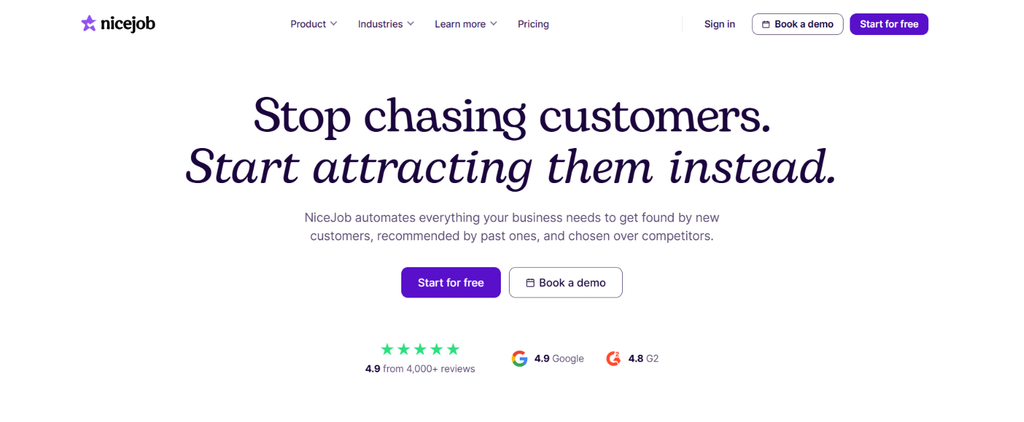
NiceJob automates review requests for local service businesses. It sends review invites after a job, monitors reviews across platforms, and uses AI to draft replies to the reviews customers leave.
Features:
- Automated review requests: invite customers to leave reviews after a job.
- Review monitoring: tracks reviews across platforms from one dashboard.
- AI review replies: drafts responses in your business’s voice, available on the Pro plan.
- Referral and repeat-customer campaigns: included on the Pro plan.
Pros
- Month-to-month billing with no contracts
- Low flat starting price
- Very high Capterra rating
Cons
- AI replies are only on the Pro plan
- Built for reviews, so it does not include an AI chatbot or lead response
Rating: 4.9/5 (Capterra, 203 reviews)
Pricing: Reviews plan from $75 per month. Pro plan from $125 per month.
Best for: local service businesses that want more reviews and faster, consistent replies to them.
How to choose AI tools for small business customer communication
Good AI communication tools save time on the channels where a business loses the most customers. Here is what matters most.
- Channel coverage: list where customers reach you, whether that is phone, website chat, email, booking, or review sites, and start with the channel where you miss the most.
- What the AI actually does: some tools answer customers directly, such as DialMyCalls, Tidio, and Crisp, while others draft or summarize for your team. Match the behavior to the job.
- Pricing model: per-seat, per-workspace, and per-resolution pricing behave very differently as volume grows, so estimate your real monthly cost.
- Handoff to a person: check how the tool passes a conversation to your team when the AI cannot resolve it.
- Integrations: the tool should connect to the phone, calendar, and email systems you already use, as well as any customer onboarding tools in your stack.
- Setup effort: a tool that takes days to configure may never get used by a small team.
What to try before you buy
Most of these tools offer a free plan or trial. Before committing, test them on real situations:
- Call your business after hours and listen to how an AI receptionist handles a real question.
- Ask the AI questions your customers actually ask, and check whether its answers come from your own information.
- Check what happens when the AI cannot answer, including how the request reaches your team.
- Read the usage terms for session, conversation, or resolution charges that change the real monthly cost.
- Test the mobile experience to confirm your team can respond away from a desk.
Match the tool to the channel
No single AI tool covers every channel a small business uses. Phone, website chat, email support, booking, and reviews each have a different leader, and most businesses end up using two or three of these tools together.
The strongest starting point is the channel where customers currently slip away. For many small businesses that is the phone, since a missed call often goes unreturned. DialMyCalls’ top AI receptionist answers those calls around the clock, and the same account sends voice, text, and email alerts when you need to reach a full contact list.
Frequently asked questions
What are AI tools for small business customer communication?
They are software tools that use AI to handle or speed up conversations with customers, including answering calls, replying to website chats, drafting support replies, scheduling appointments, and responding to reviews.
Which of these tools answer customers directly?
DialMyCalls answers phone calls, Tidio’s Lyro and Crisp’s Hugo answer website chats, Freshdesk’s Freddy AI Agent and Help Scout’s AI Answers handle support requests, and NiceJob drafts replies to reviews. Calendly’s AI features support scheduling and meeting notes.
Can AI answer business phone calls?
Yes. DialMyCalls’ AI Receptionist answers inbound calls in under a second, 24/7/365, answers questions from a custom knowledge base, and captures caller details.
Can I keep my existing business phone number?
DialMyCalls states that its AI works with many popular business phone systems and providers, so a business can keep its current number while adding AI call answering.
Does DialMyCalls also send mass alerts?
Yes. Alongside the AI Receptionist, DialMyCalls sends voice broadcasts, mass texts, and bulk email. Its AccurateAMD answering machine detection reports a 98% deliverability rate for voice broadcasts.
How much do these tools cost?
Starting prices in this guide run from $10 to $75 per month, charged per seat, per agent, or as a flat amount depending on the tool, and several have free plans. Usage-based AI charges, such as Tidio’s Lyro conversations, Freshdesk’s Freddy AI Agent sessions, and Help Scout’s AI Answers, can raise the monthly bill.
