
I don’t teach on the Saturday after a recital. Everyone has earned a week off practising, me included, so last time I spent that morning at the dining table with a pot of tea and five website builders written on the back of a theory worksheet.
I teach piano from home: children from about six and adult beginners, weekday afternoons once school is out and Saturday mornings, and a small recital in the front room twice a year. New families come by word of mouth, and the parents all text the same handful of questions:
- How young do you start?
- What happens at the first lesson?
- Which afternoons have space?
- Can we try one before we commit to a term?
I wanted one page that answered them, so I could stop writing the same answers between pupils. Bookings stay in my paper diary.
My one rule was to see a page before I gave anybody my email address. Here are the five in the order I’d hand them to another teacher, which isn’t the order I tried them in.
First: Rewind’s Builder, the Only One That Never Asked Who I Was
Good for: the finished page on your own laptop, with no new login.
The Rewind AI website builder is one form, with three little tags sitting over it: Commercial use OK, HTML & CSS output, No sign-up needed. I charge for lessons, so the first label mattered more than I’d have guessed. The second I only half understood.
Website Type: Business, thinking of the invoices that go out every term. Color Scheme: Warm / Earthy, which is roughly my front room, an old brown upright against a cream wall. For the description I wrote what I’d tell a parent on the doorstep, down to the recitals and the free trial lesson. I wanted four pages: Home, About, Pricing and Contact. Testimonials stayed empty; I’m not going to ask a mother for a quote about her own child. Extra Features got “responsive, simple contact form for a free trial lesson”, and I pressed Generate.
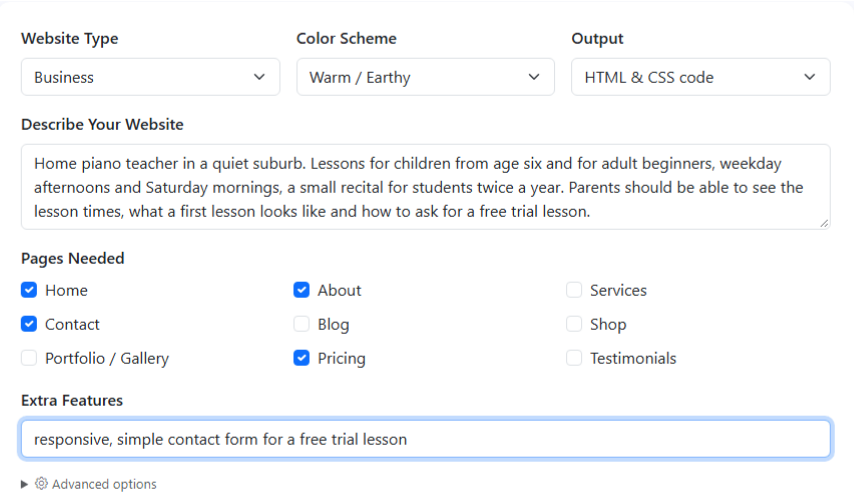
A box headed Generated Website Code appeared below the form, one long HTML file, its styling written at the start. I scrolled past it the way I scroll past the small print on an exam entry form, pressed Download .html, and opened the file it saved, rewind-result.html.
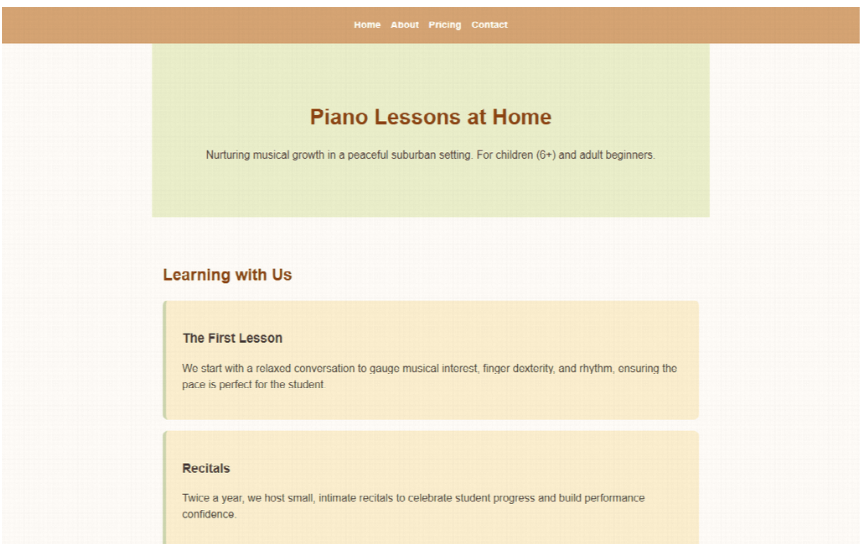
In the browser it came up warm, the way I’d hoped. A tan bar along the top with Home, About, Pricing and Contact, then Piano Lessons at Home on pale green, for children from six and adult beginners. Under Learning with Us sit two cards. The First Lesson describes a relaxed conversation to get a sense of musical interest and rhythm, close enough to what I do. The other is Recitals. I’d mentioned them in half a sentence, and they got a card of their own.
Lower down, weekday afternoons, Saturday mornings and rates sit side by side in three cards, which stack one under another when the window is pulled narrow. At the bottom, under Request a Free Trial, is the form I asked for, with a drop-down for the length of the trial and a box asking about any specific musical interests. I’d ask that anyway. Plenty of my younger ones arrive wanting one tune from a film.
That afternoon I opened the file as plain text, found the schedule by searching for Saturday, and typed in my own times and rates. I added a line to the first lesson card saying parents are welcome to stay and watch. On Monday the file went by email to the small company that already looks after my domain, asking them to put it up as the home page and connect the trial form to my inbox.
Second: Site123, Which Asks One Thing at a Time
Good for: answering questions in order instead of facing an empty box.
Get started led to Build Your Website in Three Easy Steps, and for step one I chose Website, whose description covers “your business, band, or personal needs”. A piano teacher is near enough to a band.
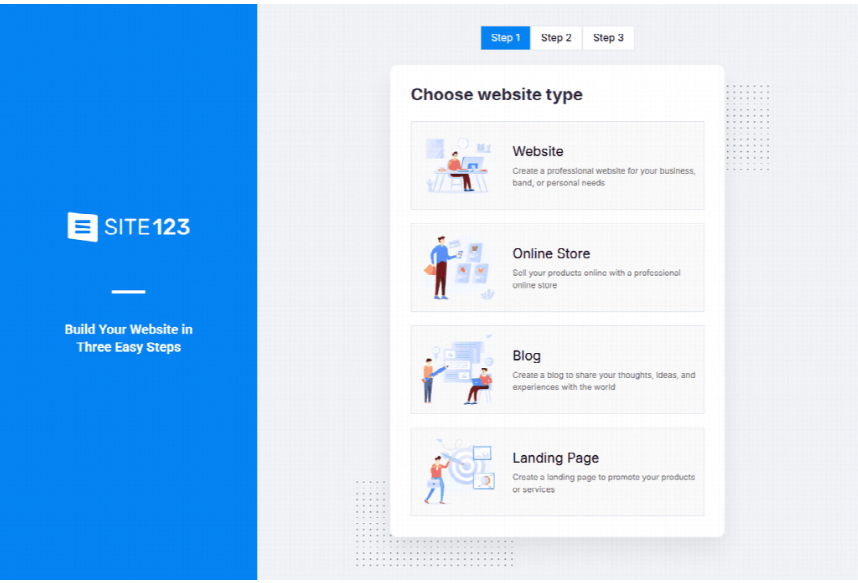
Step two wanted a category, a name and a description, with a Let us generate it for you option. I liked being asked in that order; it’s how I run a first lesson.
What stopped me was the address bar, which had said sign up since step one. I didn’t press Next Step. Its home page lists free hosting, so if you’d like the page made and kept in one place and don’t mind an account, this is where I’d look first.
Third: Wix, If Your Page Will Keep Changing
Good for: a page you’ll keep changing by hand.
Wix’s AI builder page says “Go from a prompt to a business-ready website”, with an example prompt for a sunglasses shop in its box. Create with AI took me to a Sign up box.
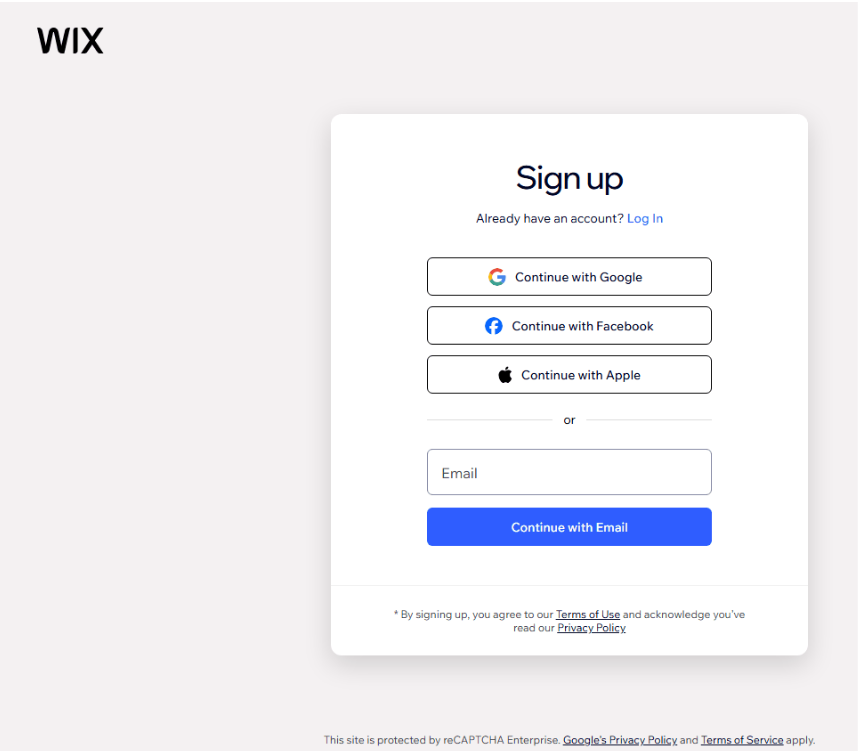
I closed the tab, and still put it third, because the same page says you can “Customize anything by hand” and drag and drop any detail. If I wanted new photos up after every recital, that’s the kind of editor I’d want, and the account would earn its keep. My timetable changes in September and January, and that’s about it. A bigger business that needs a custom site might look at Webflow development agency instead.
Fourth: Jimdo, the One I’d Go Back to for Bookings
Good for: lessons booked, and paid for, online.
Jimdo’s home page sounded the most like my week: “Start your website. Get found. Get booked. Get paid.” Further down it describes a bookings tool for “one-on-one, group, or recurring bookings, all connected to your calendar”, next to payment links and invoices. A weekly lesson is a recurring booking if anything is.
Start for free led to First, sign up free, offering Google, Facebook, Apple, or a plain email sign-up. The line under the heading ends “We hate paperwork too.” I laughed, sitting next to a diary with a pencil tied to it. It comes fourth only because I don’t need bookings online yet, and the account comes first.
Fifth: 10Web, a Few Words and Then an Account
Good for: building and launching in one place, if you were going to sign up anyway.
The page asks for your website’s name and a description in a few words, which is a hard brief for a piano teacher. Mine was “Maple Keys, a home piano teacher. Lessons for children and adult beginners, a free trial lesson”, Maple Keys being what the little sign by my door says. I pressed Generate and a white box came over the page.
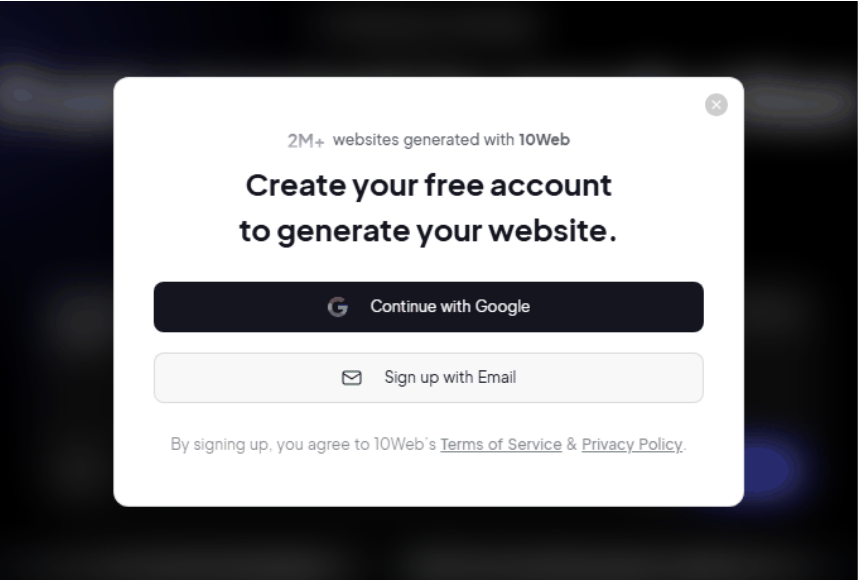
Its page sets out the steps after that as describe, customise by chatting with the AI, then review and publish. I put it last because I’d written my sentence and couldn’t see what it made of it until I’d handed over an email address.
What Each One Wanted From Me First
| Builder | What It Asked For First | What I Had by Lunchtime |
|---|---|---|
| Rewind’s builder | A description and a few menu choices | My whole page in one file, open in the browser |
| Site123 | The type of site, then category, name and description | Two steps answered, on a sign-up address |
| Wix | An account | A sign-up box |
| Jimdo | An account | A sign-up page and a reason to come back |
| 10Web | A name and a few words, then an account | My sentence behind an account box |
Where I’d Send Another Teacher
Start with Rewind’s form. Write the description the way you’d explain lessons to a new parent on your doorstep, a bit longer than feels necessary, and leave yourself time afterwards to put your own times and rates into the file.
The one exception is booking. If you want parents to pick a slot and pay without texting you first, go to Jimdo and make the account; bookings are what its home page is built around. I’m not there yet.
