
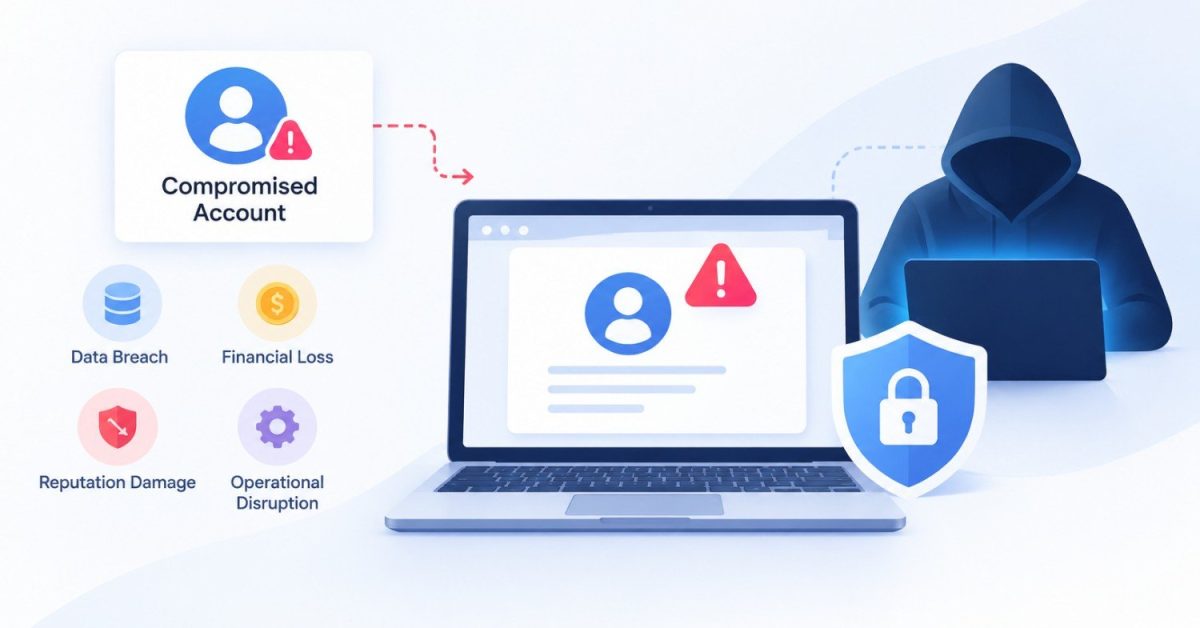
A stolen login rarely announces itself. There is no ransom note, no locked screen, and often no alert. An attacker simply signs in, looks around, and uses what the account is allowed to see. The employee keeps working, the security dashboard stays quiet, and weeks can pass before a colleague mentions a strange email that came from a trusted address.
That quiet quality is what makes compromised accounts so dangerous. They sit at the junction of several trends: passwords reused across services, malware built to harvest saved logins, large volumes of breach data circulating among criminals, and tools that make it easy to try stolen logins at scale. The sections below explain where stolen logins come from, how they are used, and how a business can detect and respond to misuse.
Where Stolen Logins Come From
Credential reuse is the oldest and still the most reliable source. A person signs up for a forum, a retail site, or a fitness app using their work email and a favorite password. When that service is breached, the pair of email and password enters criminal markets and shared lists. Attackers then test those pairs against corporate sign-in pages, hoping that a familiar habit connects the personal account to the business one.
Breach data piles up over time. A password exposed several years ago may still work, particularly where policies never forced a change, or where the owner altered only a number at the end. Lists are cheap, searchable, and often combined, so an attacker can look up a company’s domain and pull every employee address that has ever appeared in a leak.
Phishing supplies fresher material. A fake sign-in page captures whatever the victim types, and modern kits relay the entry to the real service in real time, capturing session cookies as well. Password spraying, where attackers try a few common passwords across many accounts, avoids lockouts and finds the weakest users.
Third parties add exposure. Contractors, vendors, and partner organizations may hold accounts into a company’s systems, and their security practices determine how safe those logins are. A breach at a supplier can quietly become a breach at its customers.
Infostealers and Compromised Credentials in the Wild
Infostealer malware turns a single infected computer into a stream of valuable data. It runs quietly, copies saved passwords from browsers, harvests session cookies, grabs autofill details and sometimes cryptocurrency wallet files, then uploads everything to the operator. Victims often notice nothing beyond a slow computer, if that.
The reach of this malware explains the scale of the problem. Infections frequently arrive through pirated software, fake installers, malicious advertising, and attachments that look like invoices. A personal laptop used for a quick check of work email, or a home computer connected to a company VPN, can hand over corporate logins without anyone realizing. Browsers that sync passwords across personal and work profiles widen the spill.
Stolen session cookies are especially troublesome. Because a cookie proves that a user has already passed authentication, including a second factor, an attacker who replays it can step into an account without a password prompt. Compromised credentials of this kind are sold in bulk on criminal forums, often labeled by company, country, and the services each log provides access to.
Defenders have options. Keeping corporate devices managed and patched, restricting which browsers and extensions are allowed, discouraging password storage in browsers, and shortening session lifetimes all reduce what an infostealer can collect. Basic computer virus prevention habits, such as avoiding pirated software and unknown installers, cut off the most common infection routes. Requiring device compliance for sensitive applications means a stolen cookie from an unknown machine fails the check.
What Attackers Do With a Stolen Login
Reconnaissance: The first step is usually quiet observation. An intruder reads recent email, browses shared drives, and examines calendars to learn who the person works with, what projects are active, and where payments or sensitive files live. A few days of observation can reveal an invoice cycle, an upcoming acquisition, or the name of an executive’s assistant.
Persistence: Next, attackers create inbox rules that forward mail to an outside address or hide replies, register their own MFA device, and authorize a malicious application that holds access even after a password reset. Those footholds let them return after the owner changes a password and believes the problem is solved.
Exploitation: Then the account is used. Common aims include:
- Redirecting payments by inserting changed bank details into a real thread
- Sending phishing messages to the account’s contacts, which arrive with the credibility of a known sender
- Downloading data for sale or extortion
Tools like a messaging security agent can help catch some of these internal phishing messages, but a foothold in one mailbox can still become a stepping stone to others and to cloud applications that use the same sign-in.
Resale: Some attackers sell access instead of using it, and stolen logins of every kind have a market price. Brokers specialize in obtaining accounts and reselling them to ransomware groups, who may wait weeks before acting. A login discovered during a quiet period may therefore be part of a larger plan, which is why even apparently harmless compromises deserve a full investigation.
Detecting a Compromised Account
Detection depends on spotting behavior that does not fit. Signals that deserve review include:
- Sign-ins from new countries, unusual hours, or anonymizing services
- Impossible travel between two sign-ins in a short span
- Newly created mailbox rules, particularly forwarding or deletion rules
- A new MFA device or changed recovery information
- Unusual volumes of sent mail, downloads, or file sharing
- New application consent grants with broad permissions
- Password reset requests the user did not make
Combining signals improves accuracy. A single sign-in from a new city may be a traveler, whereas a new-city sign-in followed by a forwarding rule and a burst of file downloads is much harder to explain. Risk scoring features in identity platforms perform this correlation automatically and can trigger a forced reauthentication.
Outside intelligence helps as well. Services that monitor breach data and criminal markets can tell a company when its employees’ logins appear in new leaks, allowing a password reset before an attacker tries them. Employee reports remain valuable: a colleague noticing an odd message from a known sender is often the first sign of trouble, so reporting should be easy and answered quickly.
Responding and Recovering
Speed and thoroughness both matter.
- Contain. Reset the password, revoke all active sessions and refresh tokens, and remove unknown MFA devices and authorized applications. A password reset alone is not enough when tokens or malicious grants keep the door open.
- Investigate. Review sign-in history to find the first suspicious event, examine mailbox rules and delegated access, and check what the account touched during the window of compromise. If the cause was an infostealer, isolate the device and clean or rebuild it, treating every credential stored on it as exposed, including those for other services.
- Assess the impact. Notification obligations depend on what was accessed. Finance should check recent payment changes, and legal and compliance teams need to judge whether regulated data was involved and whether notice is required.
- Communicate. Customers and partners need honest, timely messages. If fraudulent mail left the account, tell the recipients plainly what happened, what to ignore, and whom to contact, since silence leaves them exposed to a message that looks entirely real.
- Fix the cause. Close the authentication gap that allowed the login, retire any shared or legacy accounts involved, and add monitoring for the specific behavior seen. Keep a short record of the incident, since patterns across several small events often reveal a larger weakness.
Final Analysis
Compromised accounts threaten businesses because they turn trust against the organization that grants it. Reused passwords, breach data, and infostealers keep supplying attackers with logins, and the logins keep working long enough to be used.
The response is practical. Reduce what stolen logins are worth through phishing-resistant authentication and device checks, watch for the behavior that follows a takeover, and rehearse containment so it happens in minutes. Businesses that treat account compromise as an expected event, not a rare surprise, spend far less time cleaning up when it arrives.
A practical first step is to check whether employee logins already appear in known breach collections, and to reset any that do. That single exercise often reveals reused passwords before an attacker finds them, and it gives the security team a concrete list of people to help.
