
Every institution and education board is creating policies and standards to make sure students don’t use AI to plagiarize or avoid doing their own work.
All that attention has drawn focus away from what AI is making possible for education: students now have tools that can make them smarter, more efficient learners. The HEPI Student Generative AI Survey showed that 95% of full-time UK undergraduate students are using AI in at least one way.
Assuming they only use AI to get their homework done unfairly would be a big injustice, given how many AI tools can now help them become better students. These tools help students build better strategies to learn and practice their subjects. AI is reshaping education more broadly too, from everyday study habits to online AI degrees that employers now fund.
Let’s look at five tools that can help students create smarter study materials.
AI Study Tools at a Glance
| Tool | Best For | Standout Feature |
|---|---|---|
| RemNote | Deep learners building a long-term knowledge base | Notes and flashcards in one place, with spaced repetition |
| Gemini Notebook | Studying from your own sources | Source-grounded answers with citations |
| Quizlet | Interactive practice | Learn mode, practice tests, and study games |
| Knowt | Exam prep and cramming | Free Learn mode and multiplayer study games |
| Perplexity AI | Research and custom study materials | Flexible quizzes, plans, and explanations |
1. RemNote
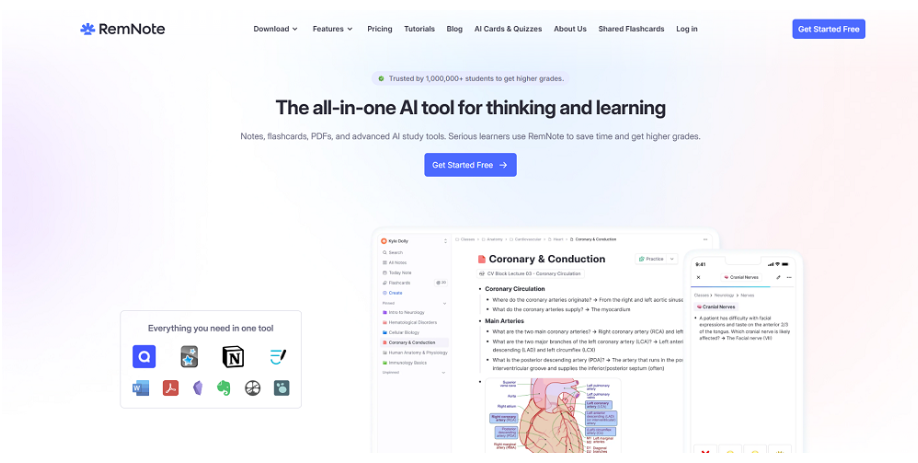
RemNote is a freemium, all-in-one note-taking tool that you can use to manage study materials and learn through an app designed for dedicated students and deep learners. Lifelong learners and scholars managing difficult subjects can use it to build a knowledge base they can draw from whenever they need.
Imagine you have one main topic and several sub-points that branch out toward more specific information. You can manage that in a hierarchical bullet editor that keeps an entire subject map organized and easy to access.
You can also connect related concepts across notes and create unlimited mind maps, so you can visually map out concepts while attaching notes and PDFs to each specific idea. All of that comes with a built-in daily planner and journal log for tracking tasks and managing time.
But these aren’t even its standout features.
What students particularly like about RemNote is its flashcard generator, built directly into its note-taking system, and, more importantly, its spaced repetition function.
Once you create flashcards from your organized notes, you review the material once, and the automated scheduler arranges the best times for you to review each card again. RemNote’s spaced repetition algorithm learns from your experience with the app and adjusts to how well you retain information.
With premium access, you can create more knowledge bases and use its AI flashcard generator, which creates cards for you automatically.
2. Gemini Notebook
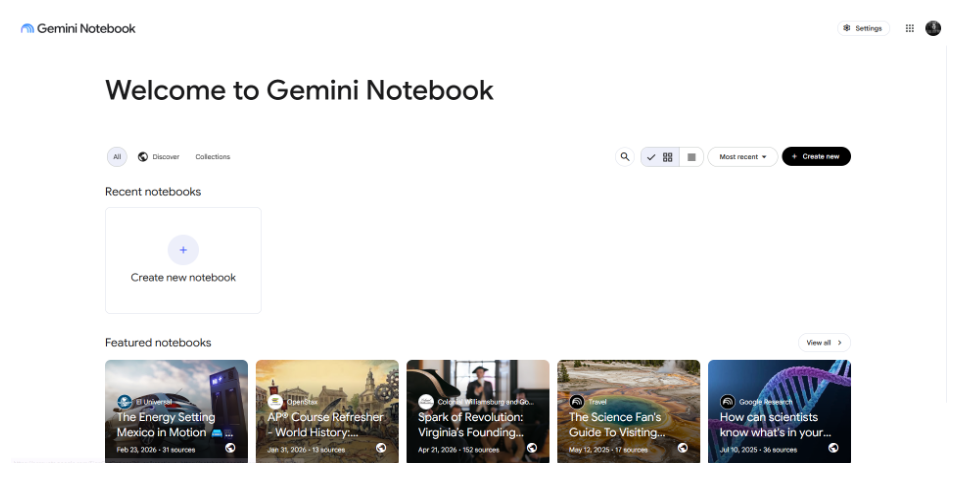
Previously known as NotebookLM, Gemini Notebook is Google’s AI-powered study buddy that helps you organize your knowledge sources and create better, more effective study materials.
If you want to build a study workflow, this is a strong choice. Simply upload your PDFs, websites, Google Docs or Slides, lecture audio, text notes, or YouTube videos, and ask its chatbot any question about the material.
You’ll get source-grounded answers with specific citations. That makes it a more reliable learning aid than general chatbots like ChatGPT, because answers are tied to your own materials, which reduces the risk of mistakes, misinformation, and hallucinations.
The tool’s live tutor is available for real-time voice conversations, so it’s like having a specialized teacher on call 24/7. You can also use its audio recorder in the mobile app to capture lectures from your phone, and the recordings are automatically organized into your notebook.
Gemini Notebook can create study materials such as:
- Mind maps and infographics
- Slide decks and reports
- Flashcards and quizzes
- Study guides and essay questions
You can also create audio overviews, short visual animations, and summaries in 8+ languages and in a variety of art styles.
3. Quizlet
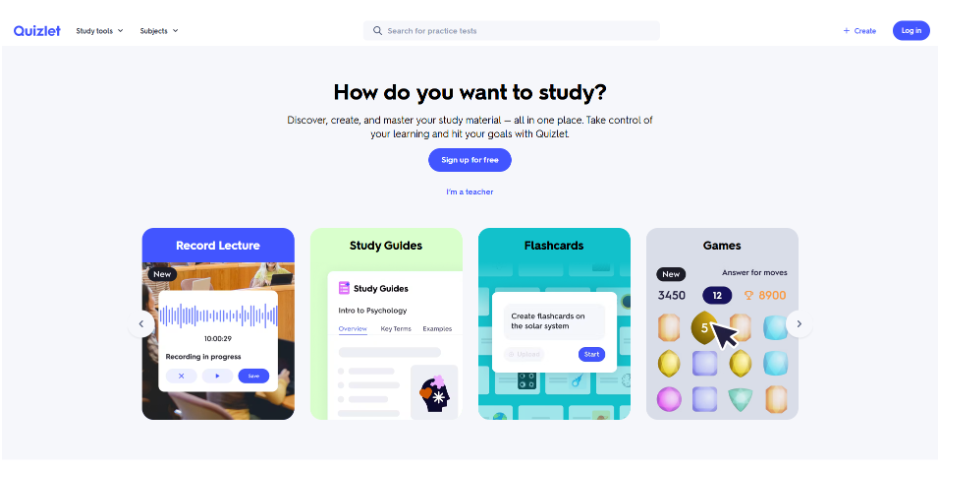
Quizlet was built as an interactive learning experience. Rather than just creating study materials to read, you can use the app to actively interact with them.
It takes traditional flashcards and combines them with AI-powered generators that create games and verified textbook aids. You can add written notes or digital documents, and the app uses them to create quizzes and games that help you learn.
- Digital flashcards: Shuffle, sort, and practice them, including out loud.
- Learn mode: Tracks your progress and schedules reviews with a spaced repetition algorithm that matches your learning speed.
- Practice tests: Choose multiple-choice or written-response questions of different lengths.
- Test mode: Creates an assessment environment for practicing ahead of upcoming exams.
- Study games: Interactive games like Match turn reviewing terms into a quick, timed challenge.
4. Knowt
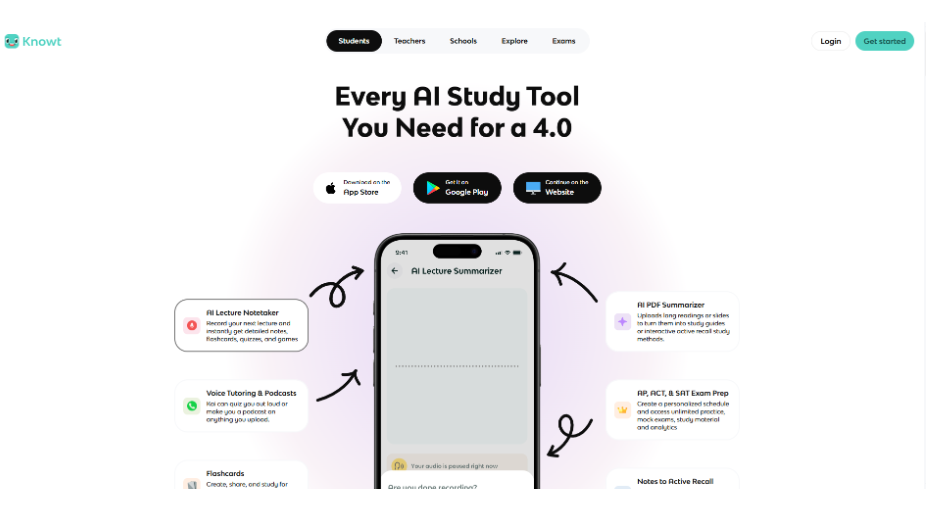
Many students study mainly for exams. Instead of keeping a steady pace through the semester, they end up cramming at the last minute. If you’re looking for a cramming partner-in-crime, Knowt is a great option.
Much like Quizlet, you can upload lecture videos, PDFs, PowerPoint slides, and other digital sources, and the tool creates summaries and practice quizzes from them. It’s a free Quizlet alternative that includes unlimited free Learn mode.
Knowt’s AI assistant, Kai, can extract key terms, definitions, numbers, and questions from your sources and turn them into flashcards. You can review these flashcards on schedule, thanks to its spaced repetition feature. Kai can also answer your questions about your study materials through voice “calls” and chat.
With Knowt Play, you can learn while having fun with friends:
- Classic: An interactive game show you play with friends
- Race: A mode where you must answer every question correctly
- Blitz: A rapid-fire multiplayer round
- Clash: Board game–style team play
- Survival: The ultimate challenge, which eliminates players for incorrect answers
5. Perplexity AI
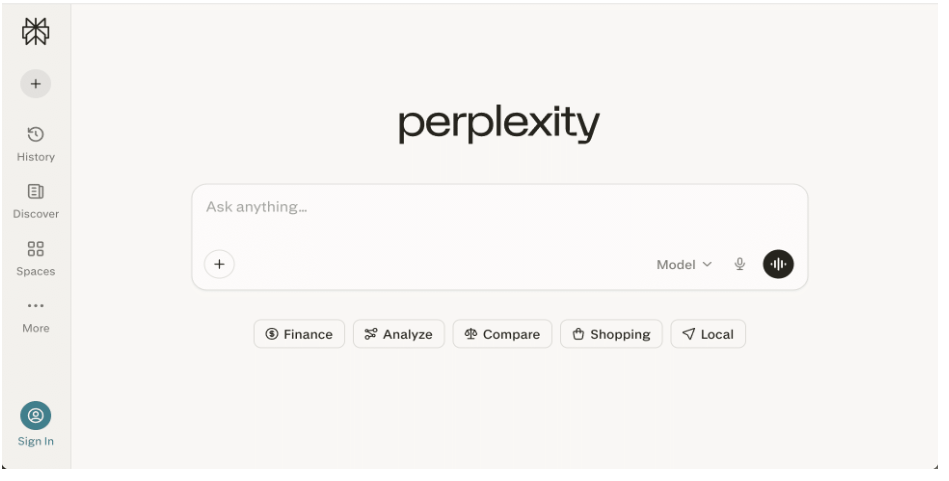
If you’re looking for a mostly free tool that can help you create almost any type of study material, Perplexity is a strong pick.
Even with a free account, you can use it as a research assistant and to create study materials. Upload your lecture notes, reading materials, study guides, or past exams, and ask Perplexity to generate flashcards, mind maps, organized notes, or summaries.
You can also use it to create multiple-choice quizzes, practice tests, essay questions, and almost any other type of assessment. It can build structured revision plans and even organize your day to keep you on schedule with your learning. Tools like Perplexity and Gemini evolve quickly, so it’s worth keeping up with large language model news to see what’s new.
With a verified student account, you can access Perplexity’s Learn Mode, which offers step-by-step explanations, interactive learning, practice, flashcards, and problem-solving support.
Final Thoughts
To study smart, you need smarter study materials, and these AI tools can help you create exactly that. From well-organized notes to interactive games that make learning more fun, they help you turn your resources into better study materials.
Whether you use them for free or upgrade to paid access, any of these tools can help you engage with your study resources more effectively, so you can actively learn and become a better student.
No matter your study style, whether you plan your learning across the semester or cram the night before an exam, there’s something here for everyone, including the chance to gamify your learning.
