
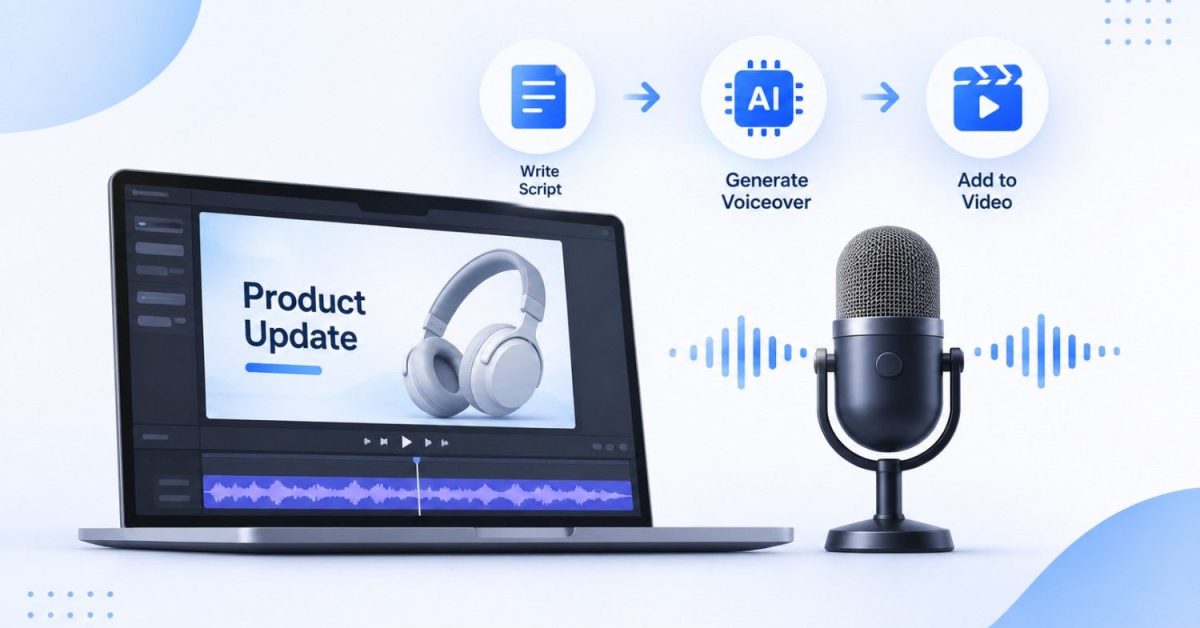
A reliable AI voiceover workflow starts with approved information, turns it into a script written for listening, and produces a video that someone checks before it’s published. The voice model is only one part of that process. The connections between source material, narration, visuals and final review decide how useful the result will be.
This matters when a business publishes regularly. A software team might have clear release notes but struggle to turn them into a short customer update. Recording a fresh voice track takes time, screenshots change during production, and feedback arrives after the first export.
AI narration can speed up the recording stage. To make that improvement last, the team needs a repeatable way to prepare inputs, handle corrections and keep the published video aligned with the product.
The workflow below uses a hypothetical inventory app introducing a “saved stock view” feature. It’s designed for a small team that wants a manageable process before adding more automation.
Key takeaways:
- Start with a clear deliverable, one audience and an approved source package.
- Turn release notes into a script written for listening, then lock in a reusable voice profile.
- Give each review a specific purpose, automate simple handoffs first and plan for corrections after launch.
The 8-Step Workflow at a Glance
| Step | What You Do |
|---|---|
| 1. Choose the result and audience | Define the deliverable, viewer and approver |
| 2. Prepare an approved source package | Collect accurate feature details and footage |
| 3. Write a spoken script | Turn release notes into natural narration |
| 4. Set a reusable voice profile | Choose a voice and record pronunciation notes |
| 5. Generate a reviewable draft | Pair narration with real product footage |
| 6. Run focused reviews | Check product accuracy, wording and publishing separately |
| 7. Automate repeatable handoffs | Start with admin tasks, not creative decisions |
| 8. Plan for corrections | Keep files together and update only what changes |
1. Choose the Finished Result and Its Audience
Define the deliverable before you choose a voice or build any automation.
For the inventory app, the deliverable might be a short customer video explaining how to save a frequently used stock filter. The audience is an existing user who already understands the basic interface.
That viewer doesn’t need a general introduction to the company. They need to recognize the new feature, understand when it’s useful and see how to find the saved view later.
Write these requirements into a brief that names:
- The destination where the video will appear
- The intended format
- The product footage required
- The person who can approve the explanation
Choose one audience for the first version. A sales video for prospective buyers and a tutorial for current customers may cover the same feature, but they answer different questions.
Also decide what “complete” means. An approved export, a published help page and a social post are separate outputs. Naming the required result stops the workflow from ending with a file nobody knows how to use.
2. Prepare a Small, Approved Source Package
Give the production process a clear starting point.
For a product update, collect:
- The approved feature description
- The intended user and any relevant conditions
- Current interface labels
- Any wording that must stay precise
- A recording or screenshots of the released behavior
Keep future plans separate. A feature discussed in a planning document shouldn’t appear in a customer video as if it’s already available.
Record which product version the material describes. This is especially useful when several updates are being prepared at once.
The source package can be a short document with links to the assets. It doesn’t need every internal discussion about the feature, and it should only include material appropriate for your production tools. A scriptwriter needs the approved explanation, not an export of private customer conversations.
Before production starts, confirm the feature is ready to demonstrate. That simple check can stop you from building a polished video around a screen that changes tomorrow.
3. Convert Release Notes Into a Spoken Script
Release notes and narration do different jobs.
A release note might say that users can “persist a filter configuration.” Spoken narration should describe the practical action in words the audience recognizes: “save this view so you can return to the same stock list.”
Keep the meaning intact while simplifying the wording. Explain unfamiliar terms, and use exact interface labels where they help viewers follow along.
Organize the script around the user’s journey:
- Introduce why the feature exists.
- Show the action.
- Explain where to find the result.
Read the script aloud before generating audio. Long sentences, stacked conditions and unexplained abbreviations are much more noticeable when heard.
If AI helps draft the script, compare every product claim with the source package. Watch for plausible additions such as an imagined notification, an unsupported shortcut or a step described as automatic when it’s actually manual.
Approve the meaning before refining the performance.
4. Establish a Voice Profile You Can Reuse
A consistent narrator makes a video series easier to produce, but the voice should fit the material.
For a practical product update, start with a clear, steady delivery. Listen for whether the voice gives important instructions enough space and pronounces product terms clearly.
Some video platforms build voice generation directly into the editing workflow. VideoGen’s ElevenLabs integration, for example, provides AI voiceovers inside its video projects, so narration can be created alongside the visuals, captions and other audio.
Test Before Committing
Test a representative passage before generating the full script. Include:
- The product name
- A common abbreviation
- A number
- A sentence with a condition
These details reveal far more than an easy greeting.
Keep a Voice Reference
Save a short reference with the chosen voice, preferred delivery and pronunciation notes. For repeated terms, record both the spelling used in the script and how the team wants the word spoken.
Use only voices you’re authorized to use. If the project involves a real person’s likeness or a cloned voice, get the necessary permission before making it part of a recurring publishing process.
A good reference lets the next update start quickly, without rethinking every choice.
5. Generate a Reviewable Draft With the Right Visuals
Build a version that can be evaluated quickly.
For the inventory app, pair the narration with a real recording of selecting a filter, saving the view and reopening it. Keep each moment aligned with its matching instruction.
Don’t fill a missing product shot with a realistic-looking interface that never existed. If an essential step hasn’t been recorded, mark the gap and capture the real footage. For other parts of the video, our list of top AI video generators covers tools that can help with intros, transitions and supporting visuals.
A few habits make review easier:
- Review audio in short passages. It’s easier to catch pronunciation problems or awkward pauses.
- Link script and audio versions. Give them matching version names so the team knows which audio fits which script.
- Add captions early. Include them in the review, paying close attention to technical terms, numbers and missing negatives.
At this stage, focus on meaning and timing. Transitions and music can wait until the explanation is stable.
6. Give Each Review a Specific Purpose
Small teams often have several people commenting on the same draft without agreeing on what they’re checking. Separate the questions:
| Reviewer | What They Check |
|---|---|
| Product reviewer | Behavior, labels, availability and conditions |
| Content reviewer | Clarity and suitability for the audience |
| Publishing reviewer | Export, captions, destination and supporting links |
One person can cover more than one role. What matters is knowing which decisions have been checked.
Ask for consolidated feedback. A note that points to a specific line or scene is easier to act on than a vague request to “make it more polished.”
Separate factual corrections from preferences. A wrong instruction must be fixed; a different music choice may be optional.
Approve the narration and visual sequence together, because a correct script can still confuse viewers if it describes a screen that appears several seconds later. Keep a short record of the approved version so nobody publishes an earlier export by mistake.
7. Automate the Repeatable Handoffs First
Once the team has completed a few updates manually, look for repeated admin work. Good starting points include:
- Creating the project folder
- Copying approved source links
- Assigning a reviewer
- Notifying the publisher
These are often easier to automate than creative decisions. If you’re new to this, our guide to AI automation workflows explains how to connect tasks like these.
Set Clear Rules for Automation
- Define the trigger. An update marked “ready for publication” is a clearer starting event than any edit to a planning document.
- Track each update. Give it a unique reference and status, so a duplicate notification doesn’t create duplicate work.
- Plan for failures. Check for an existing job before retrying generation or export, and keep a person responsible for unclear outcomes.
- Define re-review rules. A corrected product claim should go back to the right reviewer.
Automation works best when these transitions are already understood. Connecting unclear responsibilities just moves the confusion between tools faster.
Start with one dependable handoff, observe it in real work, and expand once the team can explain how it behaves.
8. Plan for Corrections After Publication
A product update video has a life beyond launch day.
Keep the approved script, source footage, pronunciation notes, captions, project file and export together. Record where the video is published and who owns future changes.
When the interface changes, check the affected instruction:
- A small wording change may only need one new audio passage and a caption update.
- A different sequence of actions may need a new screen recording.
Don’t regenerate the whole video for every change. Fix the smallest affected section first, then review the full export for continuity.
Confirm that public links and embedded videos point to the right file. A corrected video doesn’t help if customers still reach an outdated copy from a help article.
Finally, make it easy for support or product staff to report problems. They often spot a confusing instruction while helping a user, long before the next scheduled content review.
How to Measure the Effort Behind an Accepted Video
Generation time is only one part of production. Track the full effort, including:
- Preparation
- Script review
- Audio correction
- Visual editing
- Final approval
- Publication
- Tool costs and any repeated generation caused by avoidable mistakes
Use a few completed projects to see where effort builds up:
- If reviewers keep rewriting scripts, improve the source brief.
- If the same term is mispronounced, update the voice reference.
- If publishing is delayed, clarify who owns the final step.
Base comparisons on your own work. A demo completed under ideal conditions may not reflect a normal update with missing assets and several reviewers.
Also gather feedback from viewers. Ask whether they understood the feature and knew what to do next. The workflow is improving when the team can publish accurate, useful updates with less avoidable effort and fewer open questions.
Frequently Asked Questions
Should every product change become a video?
No. A minor wording change or simple announcement may work better as text. Use video when narration and visuals together help users understand a meaningful action or result.
Can the same AI narration serve every audience?
Sometimes, but check the purpose first. Existing customers may need practical instructions, while prospective buyers need context about the problem the feature solves. Reuse accurate material where it fits and adapt the explanation where it doesn’t.
When is an AI voiceover workflow ready for more automation?
Expand once the team has a clear starting event, dependable source material, a known review path and a way to handle failures. Those conditions make it easier to tell whether a new automated step is actually helping.
Conclusion
Start with one recurring video type and a small group of responsible people. Keep what works, fix the friction that repeats, and document the decisions a colleague would need to continue the process.
A useful AI voiceover workflow turns product knowledge into something customers can understand. Its lasting value comes from making that result repeatable as the product, team and publishing schedule change.
