
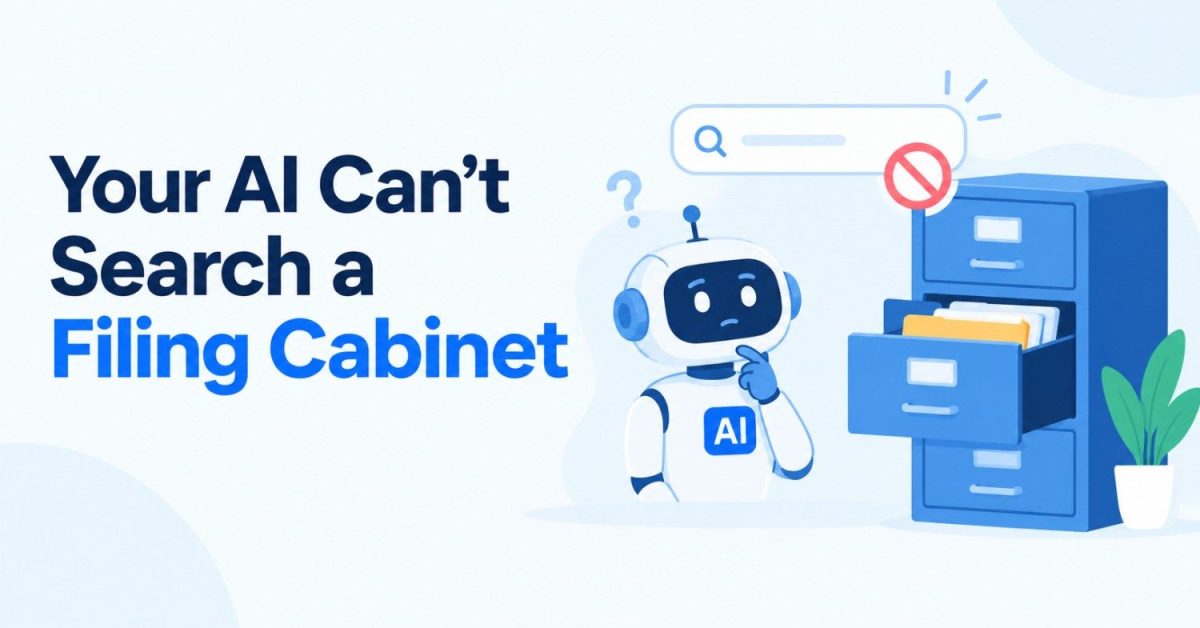
Imagine asking an AI assistant to find a customer agreement from eight years ago. Within seconds, it searches thousands of digital files, checks the available records, and returns nothing. The agreement exists, but it is sitting inside a cardboard box in a storage room.
This is a surprisingly common problem for businesses exploring artificial intelligence. They invest in sophisticated software while overlooking the enormous amount of information that never made it onto a computer.
AI can analyze documents, identify patterns, and help employees find answers faster. However, it cannot retrieve information from physical records unless those records have been converted into a format the technology can access. For many established companies, the first step toward smarter automation has little to do with developing algorithms. It begins with making existing information accessible.
The Information AI Doesn’t Know Exists
Businesses have spent decades collecting information. Customer contracts, inspection reports, financial records, maintenance logs, and handwritten notes often contain details that remain valuable long after their original purpose has passed.
Consider a manufacturing company trying to use AI to identify recurring equipment problems. Its newest maintenance reports are stored digitally, but earlier records exist only in paper folders. The AI system might analyze recent failures and recommend preventive maintenance schedules. Yet without historical records, it may overlook problems that appeared ten years earlier. This creates an incomplete picture, because the software can only work with the information it has been given.
The same problem appears in other industries:
- Healthcare organizations may have older patient records that have not been digitized.
- Construction companies might have decades of architectural drawings stored on paper.
- Legal firms may maintain signed agreements that predate their current document management systems.
These records are not necessarily outdated. Their information may still be useful for understanding past decisions, identifying trends, or resolving current questions.
Turning Paper Into Information Machines Can Understand
Document digitization is often described as scanning paper into electronic files. That is technically correct, but the process becomes much more useful when businesses consider what happens after the scan. A scanned page may initially be nothing more than an image. Someone can open it and read the contents, but software may not be able to identify individual words or extract specific information.
Optical character recognition, commonly known as OCR, helps address this problem by converting images of text into machine-readable characters. Once documents have been processed and checked, businesses can organize them into searchable collections. Employees can then locate specific contracts, identify dates, or retrieve information without manually opening hundreds of files.
However, three details can determine whether digitization actually improves a business workflow:
- Document quality: Faded text, handwritten notes, and poorly maintained paperwork can affect scanning and text recognition accuracy.
- Consistent organization: Files need meaningful names, categories, and identifying information so employees and software can locate the correct records.
- Access and security: Sensitive information must remain protected, particularly when digital documents become available through connected business systems.
Scanning alone does not guarantee that records are accurate, searchable, or ready for AI analysis. Businesses must also verify the information and establish clear rules for how it can be used.
Why Location Still Matters in a Digital Project
Although businesses increasingly rely on digital systems, many still have important records stored in physical locations. This becomes particularly challenging for companies operating across several offices, where documents may be created, stored, and managed differently depending on the department or location.
Consider a company with offices in San Diego, Los Angeles, and Sacramento. Its San Diego branch may have years of financial statements and invoices, while the Los Angeles office maintains signed contracts and customer agreements. Meanwhile, the Sacramento location might have accumulated engineering reports, inspection records, and other technical documents. Bringing this information into a centralized digital system requires more than simply transferring files between offices.
For businesses managing large volumes of paperwork across these locations, professional document scanning in California can be an important part of the process. Converting physical documents into searchable digital records allows companies to organize information more consistently and make it accessible to authorized employees across different branches. It also creates opportunities to incorporate historical records into AI-powered search tools and automated business workflows.
However, digitization requires proper planning. Documents must be accurately scanned, categorized, and stored with appropriate access controls. Businesses should also determine which original records must be retained to meet legal or operational requirements. When these steps are handled correctly, companies can make better use of information that might otherwise remain buried in filing cabinets.
Start With a Business Question, Not an AI Tool
One useful approach is to begin with a task employees already struggle to complete.
Perhaps a customer service team regularly searches old contracts to verify warranty conditions. Instead of digitizing every document immediately, the company could begin with the relevant agreements. Once those records are scanned, indexed, and verified, employees can test whether a searchable system reduces the time needed to answer customer questions. Only then should the organization consider adding more advanced automation, such as AI-assisted document retrieval.
This approach helps the organization spot problems with document quality, missing data, or system permissions before committing to a large project. It also makes results easier to measure, since faster responses to customer requests are a far more meaningful achievement than the number of pages scanned. Starting small like this is how most successful business workflow automation projects begin.
The Real Foundation of Intelligent Automation
AI can make business information more valuable, but technology cannot make up for information that is unavailable, poorly organized, or incomplete. An effective automation effort begins with understanding what information exists and what must happen before software can process it.
For companies with years of physical documents, digitization connects historical knowledge with modern technology, much like the step-by-step approach used to modernize legacy systems. The goal is not to digitize everything simply because it is possible. The aim is to make sure the right information reaches the right people and processes.
No matter how advanced an AI solution is, it cannot answer questions using information it has never seen. Sometimes the biggest technology upgrade starts by opening a filing cabinet.
