
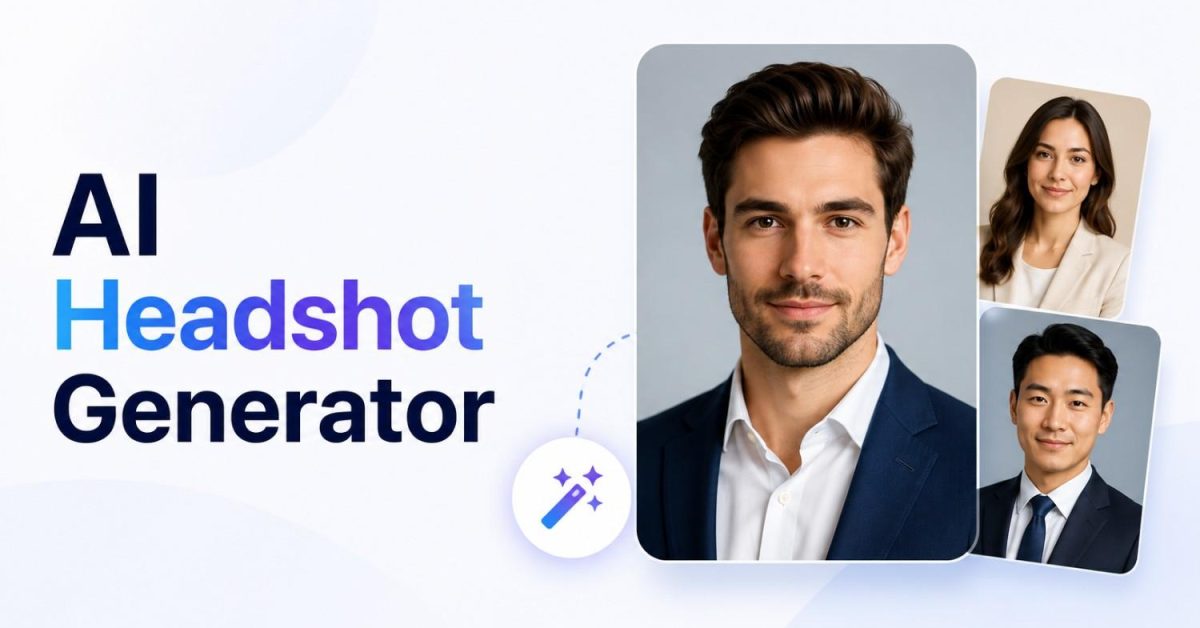
An AI headshot generator is a tool that turns your casual selfies into professional looking portrait photos using artificial intelligence. You upload a set of normal photos, the AI learns your facial features, and it generates dozens of studio style headshots in different outfits, backgrounds, and lighting. Most tools cost between $20 and $50 and deliver results within an hour, compared to $250 or more for a traditional photographer.
That is the short version. But before you upload your face to any app, it is worth understanding how these tools actually work, where the risks hide, and how to pick one that will not waste your money. As an AI development company, we work with this exact technology daily, so this guide explains it from the inside.
How Does an AI Headshot Generator Actually Work?
Most guides skip this part, but understanding it helps you get better results and avoid bad tools.
Modern headshot generators run on diffusion models, the same family of AI behind image tools like Stable Diffusion and Flux. A diffusion model learns to build images from noise, step by step, guided by patterns it learned from millions of photos.
Here is what happens when you use one:
- Upload. You provide around 8 to 20 photos of yourself from different angles and lighting.
- Training. The tool fine tunes a version of its model on your face. In simple terms, it creates a temporary mathematical description of your features: your jawline, eye shape, skin tone, and how light falls on your face.
- Generation. The tuned model then runs a virtual photoshoot, generating brand new images of you in business suits, studio lighting, and office backgrounds. These are not edited versions of your uploads. They are completely new pictures with your features built in.
- Selection. You typically receive 40 to 100 images and pick the best few.
This explains two things people always wonder about. First, why tools ask for many photos: more angles mean a more accurate model of your face. Second, why some results look slightly off: the AI is reconstructing you, not photographing you, so a weak model produces waxy skin, strange teeth, or eyes that are almost right but not quite.
What Do AI Headshot Generators Cost?
Based on published pricing as of mid 2026, here is how the market looks:
| Tool | Typical Starting Price | Known For |
|---|---|---|
| Aragon AI | Around $35 | Highly realistic results, often ranked best overall |
| HeadshotPro | Around $29 | Team packages and corporate consistency |
| BetterPic | Around $35 | 4K output and strong security certifications |
| Secta Labs | Around $49 | Huge style variety and editing after generation |
| AI SuitUp | Around $35 | Corporate LinkedIn style photos |
| Canva | Free tier available | Quick, simple results without payment |
| ChatGPT or Gemini | Free tiers available | Basic single image results |
Prices change often, so treat these as ballpark figures and check each tool’s official page before buying. A traditional photography session runs $250 to $500 for a handful of final images, which is why these tools exploded in popularity for LinkedIn profiles, company team pages, resumes, and personal websites.
One pricing pattern worth knowing: almost all serious tools charge a one time fee per photoshoot rather than a subscription, and cheaper is not always better. Reviewers consistently note that the lowest priced tools produce the plastic looking skin that gives AI photos away.
Are AI Headshot Generators Safe? The Privacy Question
This is the section most reviews bury, and it matters more than the price. Your face is biometric data. Unlike a password, you cannot change it after a leak.
The risks are real but manageable. The main ones:
Model training. Some services, especially free ones, may use your uploaded photos to train their AI models. Your face could then influence images generated for strangers. If a privacy policy does not clearly say your photos are excluded from training, assume they are not.
Storage time. Good services delete your uploads automatically, often within 7 to 30 days, and let you trigger deletion instantly. Vague policies like “retained as long as necessary” are a warning sign.
Ownership. Check that you own the generated images, especially if you will use them commercially.
Before uploading to any tool, run this quick checklist:
- Does the policy state a specific deletion timeline with real numbers?
- Does it clearly say your photos will not train their models?
- Is the company compliant with GDPR, and for business use, does it hold certifications like SOC 2 or ISO 27001?
- Do you keep full ownership of the results?
For companies putting whole teams through these tools, this is not optional. Employee facial data flowing into an uncertified app is a genuine compliance risk, which is why enterprise buyers stick to certified platforms.
How to Get Better Results From Any Tool
The single biggest factor in output quality is not the tool. It is your input photos. The AI can only model what you show it. To get headshots that actually look like you:
- Use 10 to 15 varied photos from different days, angles, and lighting, not 15 frames from the same selfie session.
- Skip filters completely. Filtered photos teach the AI a face that is not yours.
- Keep your face clear with no sunglasses, hats, or heavy makeup, and avoid photos with other people.
- Include good lighting. Natural daylight photos give the model the most accurate skin information.
- Expect a hit rate, not perfection. Even top tools produce some misses. Getting 10 great images out of 60 is a normal, successful result.
And one professional courtesy: in contexts where authenticity matters, like acting portfolios or identity verification, disclose that an image is AI generated or use a real photo instead.
Should You Use One, or Hire a Photographer?
Honest answer: for a LinkedIn profile viewed as a small thumbnail, a good AI headshot generator is more than enough, and the leading tools now pass as real photography in most settings. For a large executive portrait on a conference banner or an annual report, a professional photographer still wins on authentic expression and full control.
For teams, the math leans heavily toward AI: a startup can give 15 people matching professional headshots for the price of one traditional session.
The Technology Behind This Is Bigger Than Headshots
Here is the part we find most interesting as builders. The same technique powering these tools, meaning fine tuning image models on specific subjects, is being used across industries: generating consistent product photos for ecommerce, creating branded visuals at scale, and building custom image pipelines inside company software.
If your business has a repetitive visual content need, the headshot industry proves the model works commercially. We build these kinds of custom image generation systems as part of our custom AI development work, and if you are wondering whether an idea like this is feasible for your business, our AI consulting and strategy team can give you a straight answer. We covered a similar wave in audio tools in our guide to AI voice generators, and the pattern is the same: what starts as a consumer novelty becomes business infrastructure.
Frequently Asked Questions
What is the best AI headshot generator?
Aragon AI, HeadshotPro, and BetterPic are the most consistently praised in independent reviews as of 2026. The right choice depends on your need: BetterPic leads on security certifications for business use, HeadshotPro on team packages, and Canva offers a free option for casual use.
Are AI headshots free?
Some tools like Canva offer free basic headshots, and chatbots like ChatGPT and Gemini can generate simple ones. Quality paid tools cost roughly $29 to $49 for a full set, which is still a fraction of a photography session.
Can people tell a headshot is AI generated?
At small sizes like a LinkedIn thumbnail, results from top tools are very hard to detect. The common giveaways in weaker tools are overly smooth waxy skin, slightly wrong eyes, and messy edges around hair.
Is it safe to upload my photos to a headshot generator?
It is safe with reputable providers that state a clear deletion timeline, exclude your photos from model training, and comply with privacy laws like GDPR. Read the privacy policy before uploading, because your face is data you cannot change.
How many photos do I need for good AI headshots?
Most tools work best with 10 to 15 clear photos from different angles and lighting. Photo variety and quality matter far more than quantity.
