
AI team headshots give every employee a matching professional photo from selfies taken at home, with the same backdrop and lighting, no photographer and no office day. For remote and hybrid companies, they’re now the most practical way to build a consistent “Our team” page and keep it updated as new people join.
Open almost any company’s “Our team” page and you’ll see the problem. One person was photographed in a studio, another was cropped from a wedding, and a third took theirs in a car. New hires have no photo at all. The page looks unfinished, and it undercuts the trust it’s meant to build.
The traditional fix is an on-site photographer. That works for whoever is in the office that day and no one else.
Key takeaways:
- A team rollout succeeds or fails on two things: whether the photos match, and whether each person likes their own.
- Magic Studio lets each person see their 50 headshots before anything is paid, and lets the admin set backdrops and outfits once for everyone.
- Add headshots to onboarding so new starters have a photo in their first week.
What Does a Team Need From an AI Headshot Tool?
A team needs consistent results, a good likeness for every person, fast turnaround and simple admin.
- Consistency: The same backdrop and lighting style for everyone, so the team page looks like one shoot.
- Likeness each person is happy with: People are particular about their photos. If someone dislikes theirs, they won’t use it.
- Speed: New starters should have a photo in their first week, not at the next company shoot.
- Easy admin: Someone has to invite people, chase stragglers and collect the files.
How Do the Four AI Headshot Tools Compare?
| # | Tool | Headshots per Person | Turnaround | Before You Pay |
|---|---|---|---|---|
| 1 | Magic Studio | 50, in 5 looks | 10 to 15 minutes | Each person sees their set first |
| 2 | HeadshotPro | 40, plus 1 free retry | Under 30 minutes | Pay first (credits) |
| 3 | Aragon AI | 40 | About 45 minutes | Pay first |
| 4 | BetterPic | 20, in 4K | About 2 hours | Pay first |
Figures may change as providers update their timing and pricing.
Which AI Headshot Tool Is Best for Teams?
1. Magic Studio
Magic Studio (previously InstaHeadshots) offers team headshots, and its approach suits teams especially well. Each person uploads a few selfies and gets 50 headshots across 5 looks, ready in 10 to 15 minutes, according to Magic Studio’s own figures.
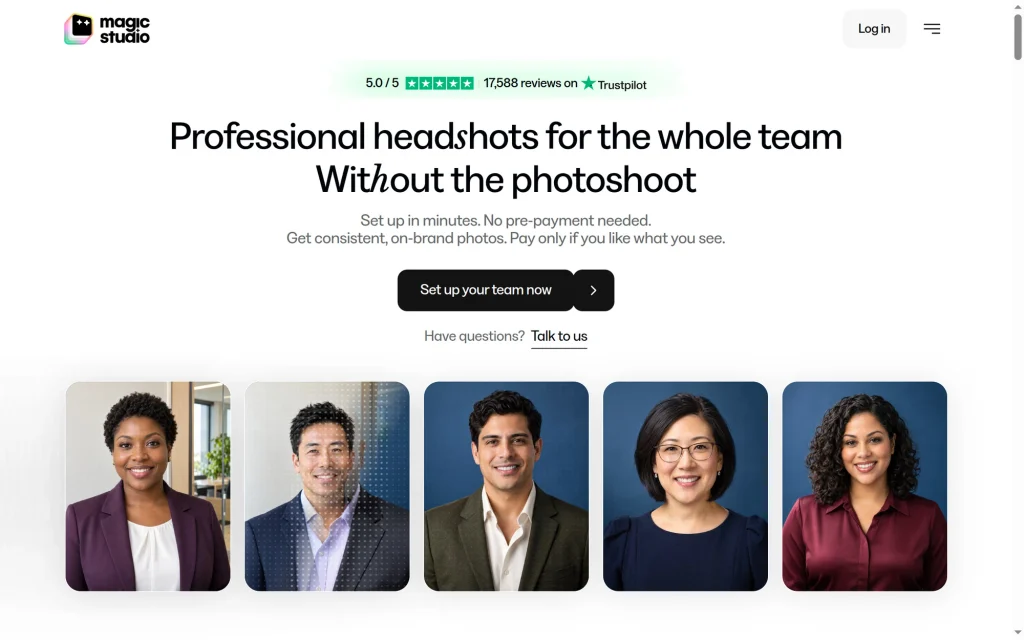
Because people see their results before anything is paid for, each person can confirm they’re happy with how they look. That removes the usual round of complaints and reshoots.
For the person running the rollout:
- Invite by pasting emails. There’s no charge to invite.
- Set backdrops and outfits once. Choose them for everyone, or let people pick their own.
- Track progress. See who has started, finished or is stuck, and send a reminder in one click.
- Get print-ready files. A 4K, 300 DPI option covers brochures and event banners.
Best for: Companies, especially remote and hybrid teams, that want a matching set of photos quickly.
2. HeadshotPro
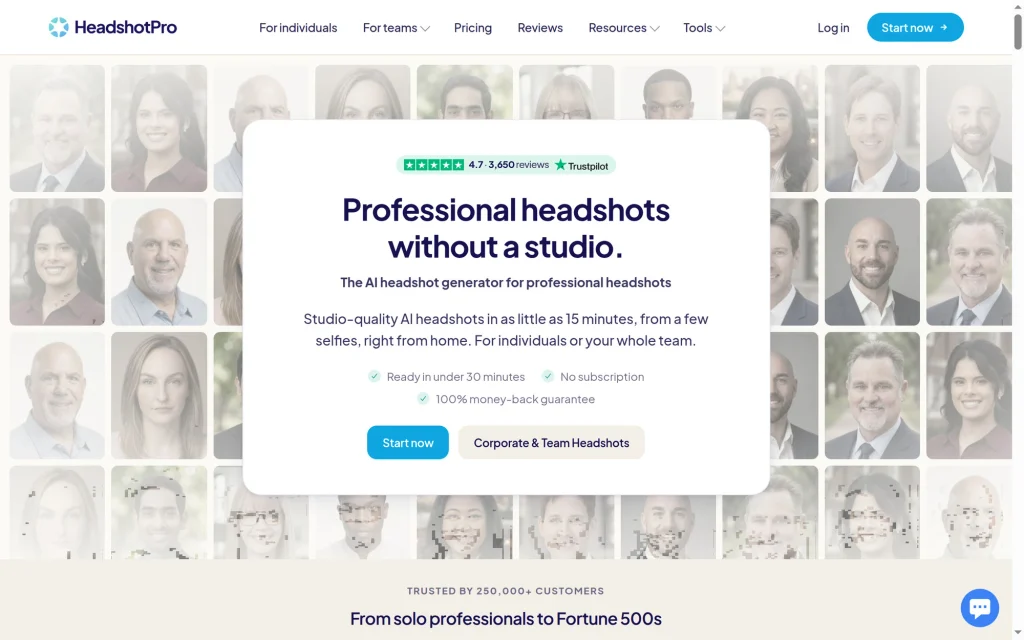
HeadshotPro is built around team administration. Its team plan gives 40 headshots per person plus one free retry, with an admin dashboard, invites by email or link, automatic reminders and bulk download.
It offers a 30-day money-back guarantee if results don’t look like the person. Teams buy credits up front.
Best for: Large organizations with a central admin and a procurement process.
3. Aragon AI
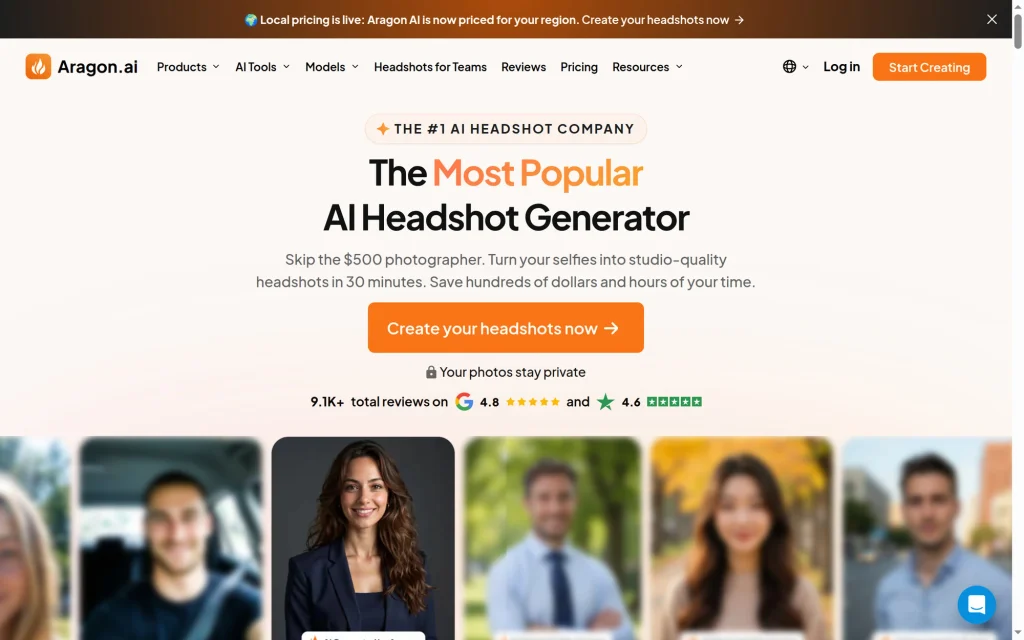
Aragon AI is a widely used tool. Its Basic plan gives 40 headshots in about 45 minutes, with one outfit and one backdrop. A full refund applies only if nothing has been downloaded, which is worth knowing before a team rollout.
Best for: Small teams that already know the brand.
4. BetterPic
BetterPic’s Basic plan gives 20 headshots in 4K, in one style, in about two hours, with a seven-day refund (terms apply). It’s useful if photos are also needed for print.
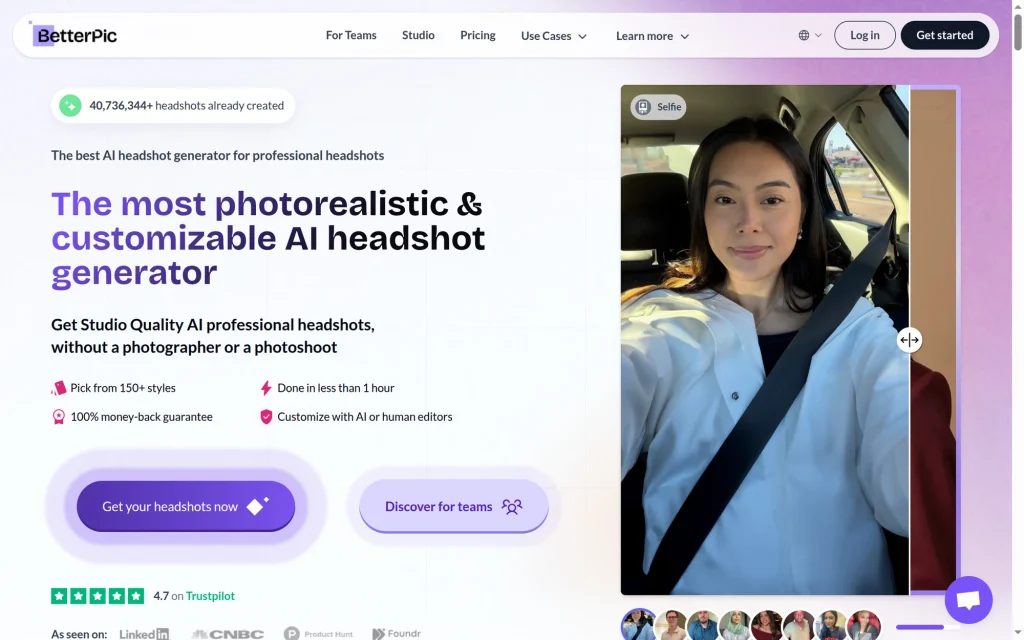
Best for: Teams that need a few print-quality files.
How Do You Roll Out AI Headshots to Your Team?
Agree on one look first, then make it easy for everyone to take good selfies and pick their own photo.
- Pick one look for the website. Agree on backdrop and attire first, then ask everyone to choose a photo from that look.
- Send clear selfie instructions. Ask for recent photos taken facing a window, with no sunglasses or filters. One short paragraph in the invite prevents most problems.
- Let people choose their own photo. A headshot someone picked is one they’ll also use on LinkedIn.
- Add it to onboarding. New starters get their headshot in week one, so the team page never falls behind.
Small touches like this also help new hires feel part of the team from day one, which supports a broader AI-driven culture of appreciation at work. And if you also need team intro videos, our list of top AI video generators covers tools that can turn these assets into short clips.
Frequently Asked Questions
Will everyone’s AI headshots match?
They will if you fix the backdrop and outfit before inviting people. In Magic Studio, you set these once for the whole team, so every headshot shares the same style.
What if someone doesn’t like their photos?
With Magic Studio, nobody pays for a set they haven’t seen, and each person can run one free retry with new photos. HeadshotPro offers a retry and a money-back guarantee instead.
Do people need to be in the office?
No. Each person uploads selfies from their own phone, wherever they are, so remote and hybrid teams can take part at the same time.
Can AI headshots be used for print materials?
Yes, if you choose a 4K option. Magic Studio’s Premium pack gives all 50 headshots in 4K at 300 DPI, which is suitable for brochures and banners.
Bottom Line
A consistent team page used to mean hiring a photographer and taking a day out of everyone’s schedule. Now it can be done remotely in an afternoon.
Magic Studio is the best fit for most teams: it’s fast, gives everyone five looks to choose from, keeps admin simple and lets each person see their headshots before you pay.
