
An AI voice can pass every audio test and still lack written authority for its intended use. Before selecting branded AI voice software, document the intended uses, channels, territories, duration, exclusivity and approval process for the voice you plan to deploy.
Define the use case and verify the rights before an AI voice goes into production. Map the license and collect production approvals before you finalize your deployment plan, and check local rights if your launch will cross borders. Recent voice-cloning rulings have addressed personality and publicity rights, and no audio-quality test can establish those rights for you.
Key takeaways:
- Technical tests show a voice works; written evidence shows you’re allowed to use it.
- Treat each governance step as a release gate with a named owner and evidence on file.
- Link the actor’s permission to the exact model version and deployment it covers, and keep that link intact as the product changes.
Why Does AI Voice Governance Need Written Evidence?
Written evidence proves you have permission to deploy a specific voice under specific conditions, which technical testing can’t show.
Technical checks tell you whether the system works. Written launch authority tells you whether you can deploy that voice in the proposed way. A pronunciation test, for example, can’t establish permission to use a support assistant’s voice in an advertisement.
The opportunity is significant. One November 2025 market analysis valued the global AI voice-assistant market at about $33.5 billion in 2024 and projected growth to $117.7 billion by 2033. As adoption grows, clear governance is what lets teams scale AI voices confidently. Keep that market outlook separate from your project’s own signed license and release ticket.
The AI Voice Launch Checklist

Treat each step as a release gate with a named owner and evidence on file, not a decision made in an undocumented meeting.
| Step | Goal |
|---|---|
| 1. Define use and owners | Approve one specific deployment |
| 2. Verify consent and training rights | Confirm you may ingest and train on the recordings |
| 3. Map license boundaries | Turn the contract into testable deployment limits |
| 4. Record approvals and change rules | Tie approval to a fixed release package |
| 5. Approve deployment and renewals | Launch with monitoring and contract dates in place |
Step 1: Define the Intended Use and Accountable Owners
Start with a use-case statement that names the listener and explains the task, so you approve a specific deployment rather than a general idea.
A customer-support assistant explaining returns has a different purpose from a voice narrating paid ads. Many teams start with support, where AI tools for customer communication already deliver clear value. State whether the voice reads fixed scripts or generates responses in live conversations.

Consent alone doesn’t define every boundary. In particular, consent to record doesn’t by itself grant permission to train a model.
Assign two owners:
- Business owner: Accepts the proposed use.
- Engineering owner: Controls the model in deployment.
Make one person accountable for each open question, and record these assignments next to the first version of the use-case statement in the project ticket.
Step 2: Verify Consent and Model-Ingestion Rights
Get written permission for the exact model activity you plan before uploading any recordings.
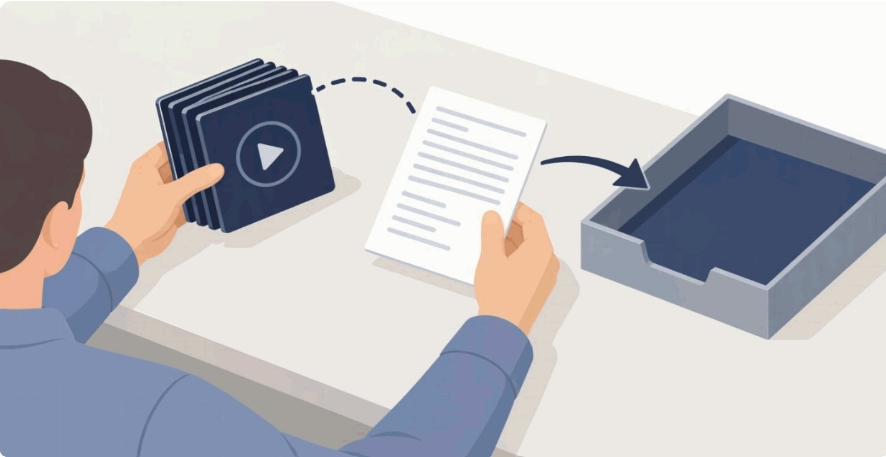
Keep permission to record a performance separate from the right to train or fine-tune a model. Ask counsel to link each batch of recordings to the agreement that allows you to ingest it for its intended purpose.
Also make sure that:
- The actor’s compensation terms are stored with proof of payment and any ongoing obligations.
- The party granting rights actually has authority over the recordings supplied.
- You don’t treat a vendor’s “commercial use” label as a substitute for permission to train a model.
Courts are already looking at this. On October 1, 2026, Korean outlet Seoul Economic Daily reported that the Shanghai No. 1 Intermediate People’s Court upheld 50,000 yuan in damages after finding an AI-cloned voice 90% similar or highly similar to actor Wang’s voice. The operator couldn’t show lawful authority for its training data. The lesson is simple: attach rights evidence to the dataset manifest before ingesting recordings.
Step 3: Map License Boundaries
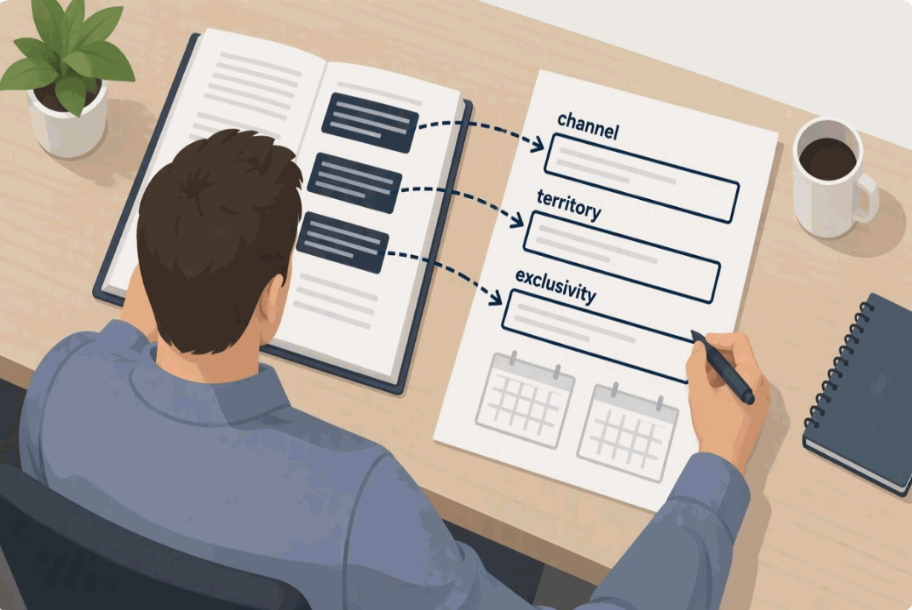
Turn the agreement into deployment limits your engineers can actually test.
- Channels and territories: List each permitted channel and region.
- Term: Record the license start and end dates, and what triggers each one.
- Exclusivity: Specify who it binds and which uses it restricts, rather than using a vague blanket label.
Local rules can vary. In October 2026, Pakistan’s The News reported on a Tokyo case involving more than 180 videos that recognized a person’s publicity rights can protect their voice. If you’re launching in Japan, ask local counsel to review planned commercial use of a recognizable voice.
In the US, Slator reported in September 2026 that California adopted disclosure requirements for qualifying synthetic performances, including AI narration, with exceptions for certain translation and accessibility uses. Have counsel check every distribution channel and any exception you rely on before approving the disclosure wording and placement.
Step 4: Record Production Approvals and Change-Control Rules
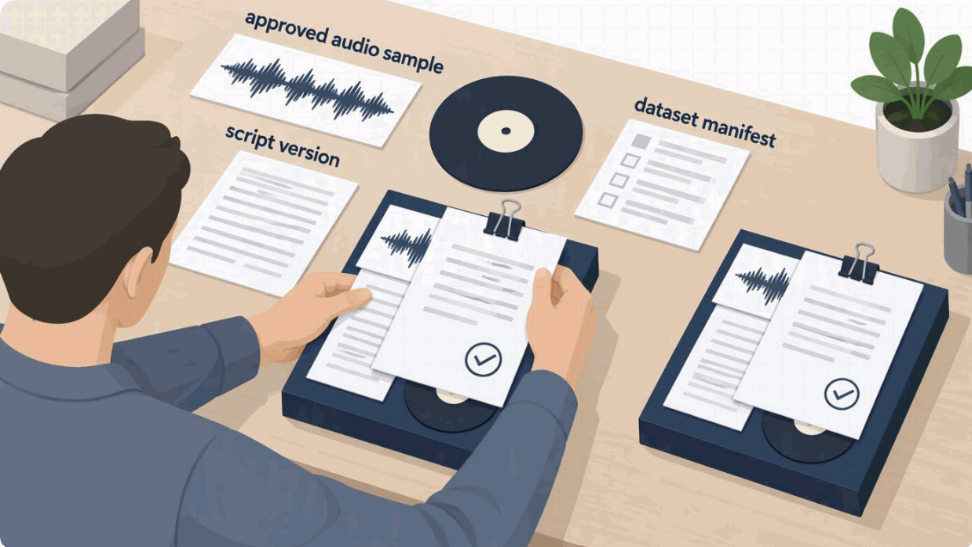
Tie production approval to a fixed release package so later changes can’t quietly inherit it.
Store the approved audio sample with its script version. For conversational voices, document the allowed response categories and prohibited uses alongside the model identifier.
Next, define which changes need fresh approval. A pronunciation fix can follow a lighter path than a newly generated endorsement. Write that distinction into your change rules, naming who can classify a change and the contract clause behind that decision.
Keep the dataset manifest linked to the model version through a permanent project ID, so your release record shows which recordings produced the deployed voice. Teams running a custom AI development pipeline can build this traceability into versioning from the start. When approvers sign off on a replacement version, preserve the earlier approval instead of overwriting its audit history.
Step 5: Approve Deployment and Renewal Dates
Authorize deployment only after the release owner checks every required decision against the production build.
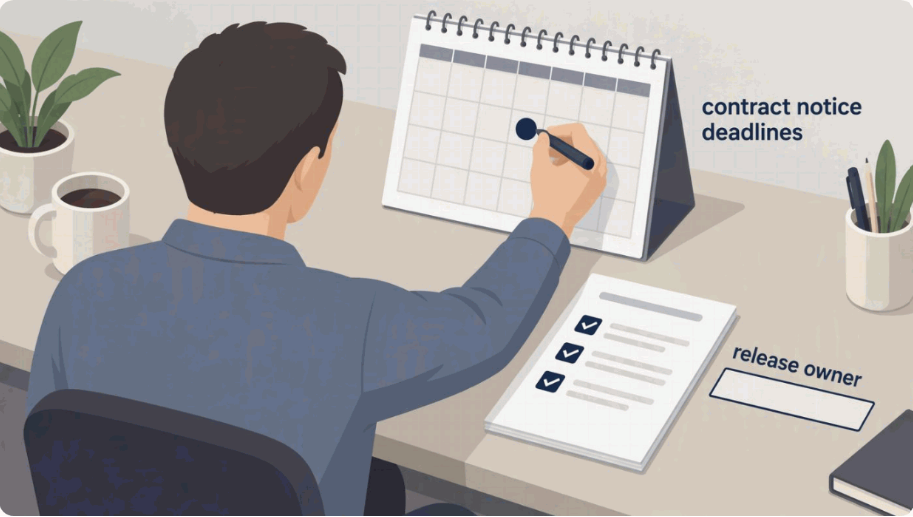
- Contract dates: Add notice deadlines to the operating calendar, and name an owner who must act before renewal or termination notices are due. Don’t rely on an alert that only reaches the original project manager.
- Monitoring: Assign responsibility for spotting unauthorized output and use outside approved endpoints.
- Reporting: Give the actor or rights holder a clear way to flag problems.
- Shutdown test: Confirm the operations team can switch off the affected voice without taking unrelated services offline, and store the result in the release ticket.
How Should You Handle Scope Changes After Approval?
Compare every change request against the signed permissions before opening a production task.
Different changes need different checks:
- Localization: Needs both language and performance checks.
- New customer touchpoint: Needs a channel check.
- New market: Needs territorial clearance, even if the audio file hasn’t changed.
Give each request its own decision record and contract reference. If the agreement clearly permits the change, follow the approval rules on record. Send unclear questions to counsel, and treat excluded uses as needing a signed amendment and any agreed payment before release.
Hold the affected deployment until its rights record covers the change. A new advertising script, for example, shouldn’t be handled as routine maintenance for a support assistant.
What Belongs in the AI Voice Governance Record?
Keep a single index that links contract evidence to technical records. The table below lists the required outcomes. It doesn’t mean your project has completed them, so assign real people to each role and give every review trigger a date in your project system.
| Control | Evidence | Accountable Owner | Required Approval Status | Review Trigger |
|---|---|---|---|---|
| Intended use | Versioned use-case statement | Product lead | Accepted for stated purpose | Before solution selection |
| Actor rights and compensation | Signed agreement with payment records | Rights owner | Executed; obligations documented | Before recording ingestion |
| License boundaries | Deployment schedule and exclusivity terms | Legal counsel | Cleared for proposed distribution | Before a scope change |
| Production package | Approved sample and model manifest | Engineering lead | Signed off for specified build | At release freeze |
| Operations and renewal | Monitoring assignment and contract calendar | Release owner | Authorized; dates entered | Before launch and notice deadlines |
Make the evidence easy to find without depending on the person who negotiated the agreement. Restrict access to sensitive actor records, but let release approvers see the permission schedule and decision history.
Frequently Asked Questions
What approvals do I need before using an AI voice in production?
Your release ticket should include legal counsel’s rights clearance, the product owner’s business acceptance, engineering’s authorization for the deployed build and any actor approval the contract reserves. A dated decision linked to that release is essential; silence in an email thread doesn’t count.
How do you enforce the limits of an AI voice agreement?
Convert the contract’s written limits into release settings wherever possible. A customer’s billing country doesn’t prove where listeners can access the output. If the agreement caps generated minutes, set a usage counter and stopping threshold, and keep permission to retain existing audio separate from permission to generate new audio after expiry.
Does an actor’s consent to record allow you to train an AI voice model?
Not by itself. Permission to record a performance is different from the right to train or fine-tune a model. Get written permission that covers the specific model activity you plan before uploading any recordings.
The Next Step Before Release
Open the release ticket and resolve every missing rights or approval field before authorizing production. A strong launch connects the actor’s permission to the actual model and the deployment that permission allows.
Keep that link intact as the product evolves, and name the owner responsible for the next decision. With governance in place, AI voices become a reliable, scalable part of your brand experience.
