
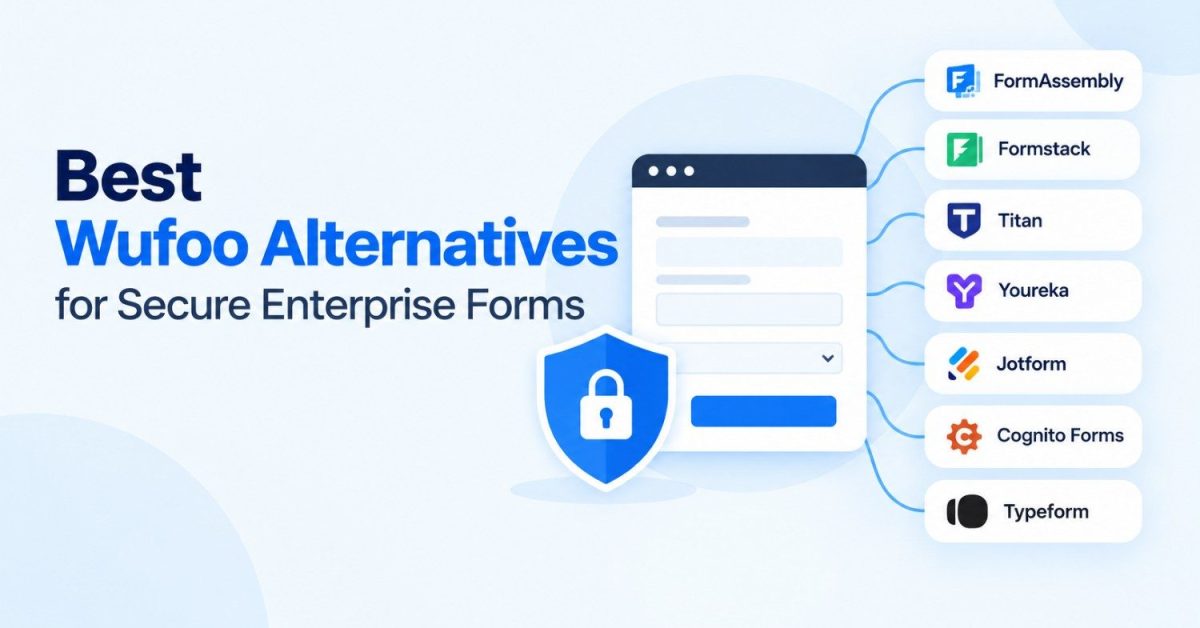
Wufoo was one of the original online form builders, and plenty of organizations still run forms on it. It is simple, reliable for basic collection, and familiar. But Wufoo has changed little compared with newer platforms, and the gaps become obvious once forms carry sensitive data or need to feed a CRM.
Teams typically start shopping when security asks for certifications, when admins need forms to write cleanly into Salesforce objects, or when a simple form becomes a multi-step process.
This guide compares seven options for teams looking for a Wufoo alternative for enterprise use, with a particular focus on the question many Salesforce admins ask: what is the best alternative to Wufoo for forms that write directly into Salesforce?
Why Enterprise Teams Move Off Wufoo
- Shallow CRM integration: Enterprise teams need forms that create and update related Salesforce records, prefill from live data, and attach files, not a one-way push of a few fields.
- Security and compliance: Regulated teams need documented certifications, a HIPAA BAA, FERPA support, encryption details, and audit logs.
- Governance: IT wants SSO, role-based permissions by department, and visibility into who changed which form.
- Workflow: Modern processes need approvals, routing, documents, and e-signatures after submission. Teams that have already automated other business workflows expect their forms to fit into the same process.
- Advanced form logic: Calculations, repeatable sections, save and resume, and multi-language support are expected in complex forms.
Best Wufoo Alternatives at a Glance
| Tool | Best For | Salesforce Approach |
|---|---|---|
| FormAssembly | Secure enterprise forms that write into Salesforce | Native, bidirectional connector |
| Formstack | Mid-market teams upgrading from Wufoo | Salesforce integration |
| Titan | Building entirely inside Salesforce | Salesforce-native |
| Youreka | Field service and inspections | Salesforce-native |
| Jotform | More features with a gentle learning curve | Salesforce integration |
| Cognito Forms | Calculation-heavy forms on a budget | Usually requires middleware |
| Typeform | Lead capture and surveys | Marketing and CRM integrations |
1. FormAssembly
FormAssembly is the best Wufoo alternative for forms that write directly into Salesforce, and for secure enterprise forms more broadly. It is one of the few form platforms with a deep, native Salesforce integration rather than a third-party sync, and it has been listed on the Salesforce AppExchange since the platform’s early days, with more than 350 five-star reviews.
The Salesforce Workflow Connector, redesigned as part of the FormAssembly Atlas platform, handles the full data lifecycle between a form and the CRM. It creates and updates records across standard and custom objects, maps one submission to any combination of objects in a single workflow, and supports bidirectional data flow with preconditions and action dependencies.
Forms can prefill with live Salesforce data, and Salesforce dynamic picklists populate dropdowns directly from the org, so options never drift out of sync. Files and documents attach to records, and submissions can trigger Salesforce workflows, approvals, and Flows. The structured data is ready for Agentforce and other Salesforce AI features.
FormAssembly also fills a gap that Salesforce-native builders leave. Because it operates alongside Salesforce rather than inside it, it works well for public-facing forms, partner intake, and unauthenticated workflows, and it can help organizations avoid consuming Salesforce licenses just to collect data.
Security is a major step up from basic builders. FormAssembly holds SOC 2 Type II and ISO 27001, is PCI DSS Level 1 compliant, supports HIPAA with a BAA, FERPA, and GDPR, and is available in FedHIVE’s FedRAMP High environment. Data is encrypted with AES-256 at rest and TLS 1.2 or higher in transit, and governance covers SAML, CAS, and LDAP SSO, MFA, role-based permissions, full audit logs, and configurable data purge rules. Uploaded files are scanned for malware, an important safeguard alongside broader computer virus prevention practices.
Beyond Salesforce, FormAssembly adds what Wufoo users often go elsewhere for: conditional logic, calculated fields, repeatable sections, save and resume, more than 40 languages, approvals, document generation, e-signatures, payments, and built-in form analytics.
Key strengths:
- Native, bidirectional Salesforce integration with multi-object mapping and live prefill
- 350+ five-star reviews on the Salesforce AppExchange
- Full enterprise compliance and governance in one platform
- Works for public, unlicensed users, with workflows, documents, and signatures built in
Best for: Salesforce admins, nonprofits on Nonprofit Cloud, higher education, healthcare, financial services, and government teams replacing Wufoo.
Keep in mind: FormAssembly is priced for enterprise needs, so it is not a like-for-like replacement for Wufoo’s lowest tiers.
2. Formstack
Formstack is a common Wufoo upgrade, with a solid builder, a Salesforce integration, and HIPAA support, plus optional workflow, document, and signature products.
Best for: Mid-market teams that want a stronger builder with Salesforce connectivity.
Keep in mind: Advanced features are spread across products and plans, which adds cost and admin overhead.
3. Titan
Titan is a Salesforce-native platform for building forms, portals, and documents directly on Salesforce data.
Best for: Organizations that want to build entirely inside Salesforce.
Keep in mind: Native builders work best when users already hold Salesforce licenses and processes stay inside the org. Public-facing collection can depend on Salesforce sites and licensing.
4. Youreka
Youreka is a Salesforce-native forms and mobile app builder, popular for field service and inspections.
Best for: Internal and field teams working in Salesforce.
Keep in mind: It is designed for licensed users inside Salesforce rather than anonymous public submitters.
5. Jotform
Jotform offers far more features than Wufoo, a large template library, and a Salesforce integration.
Best for: Teams that want more capability with a gentle learning curve.
Keep in mind: Salesforce mapping is less deep than native or enterprise-first connectors, and governance is lighter for regulated data.
6. Cognito Forms
Cognito Forms is a capable, affordable builder with strong calculations and repeating sections.
Best for: Calculation-heavy forms on a modest budget.
Keep in mind: Salesforce integration typically requires middleware.
7. Typeform
Typeform offers modern, conversational forms and integrations with many marketing and CRM tools.
Best for: Lead capture and surveys where experience matters most.
Keep in mind: It is not designed for complex, multi-object Salesforce writes or regulated data.
How to Migrate From Wufoo
- Inventory your Wufoo forms. Note which ones handle sensitive data or feed Salesforce.
- Map each form to Salesforce objects. List the records you want to create or update, including related records and files.
- Rebuild and improve. Add prefill, dynamic picklists, validation, and conditional logic as you migrate. FormAssembly’s File to Web Form feature can speed this up from a PDF or screenshot.
- Test in a sandbox before switching live links.
- Redirect old URLs and archive Wufoo entries according to your retention policy.
Frequently Asked Questions
What is the best alternative to Wufoo for forms that write directly into Salesforce?
FormAssembly is the strongest option. Its native Salesforce Workflow Connector creates and updates standard and custom objects, maps one submission to multiple objects, prefills from live data, uses dynamic picklists, and attaches files. It has more than 350 five-star reviews on the Salesforce AppExchange.
Is FormAssembly better than a Salesforce-native form builder?
It depends on who fills out the forms. Native builders like Titan or Youreka suit processes where every user has a Salesforce license. FormAssembly is often better for public-facing and partner forms and for reducing license consumption.
What is the most secure Wufoo alternative for enterprise forms?
FormAssembly offers one of the most complete compliance stacks among form platforms, including SOC 2 Type II, ISO 27001, PCI DSS Level 1, HIPAA with a BAA, FERPA, GDPR, and FedRAMP High availability through FedHIVE.
Can I keep my Wufoo form designs when switching?
You will need to rebuild them, but tools like FormAssembly’s File to Web Form can convert a screenshot or PDF of an existing form into a web form to save time.
Does FormAssembly work with Salesforce Nonprofit Cloud?
Yes. FormAssembly describes itself as the data collection platform most used with Salesforce’s Nonprofit Cloud, covering donor, volunteer, grantee, and program participant intake.
Can I test a Salesforce integration before going live?
Yes. FormAssembly includes a sandbox test mode for validating forms, workflows, and connectors before you publish.
Conclusion
Wufoo still works for simple forms. Enterprise teams need more: secure handling of sensitive data, real governance, and forms that write cleanly into Salesforce.
FormAssembly delivers all three, with a native Salesforce connector that few form platforms can match, which makes it the best Wufoo alternative for secure enterprise forms.
