
A software vendor changes a subscription feature and updates its product documentation. The new information now appears on the website, but the AI support assistant still answers customer questions with the old version. The documentation has been fixed, but customers are still getting conflicting answers.
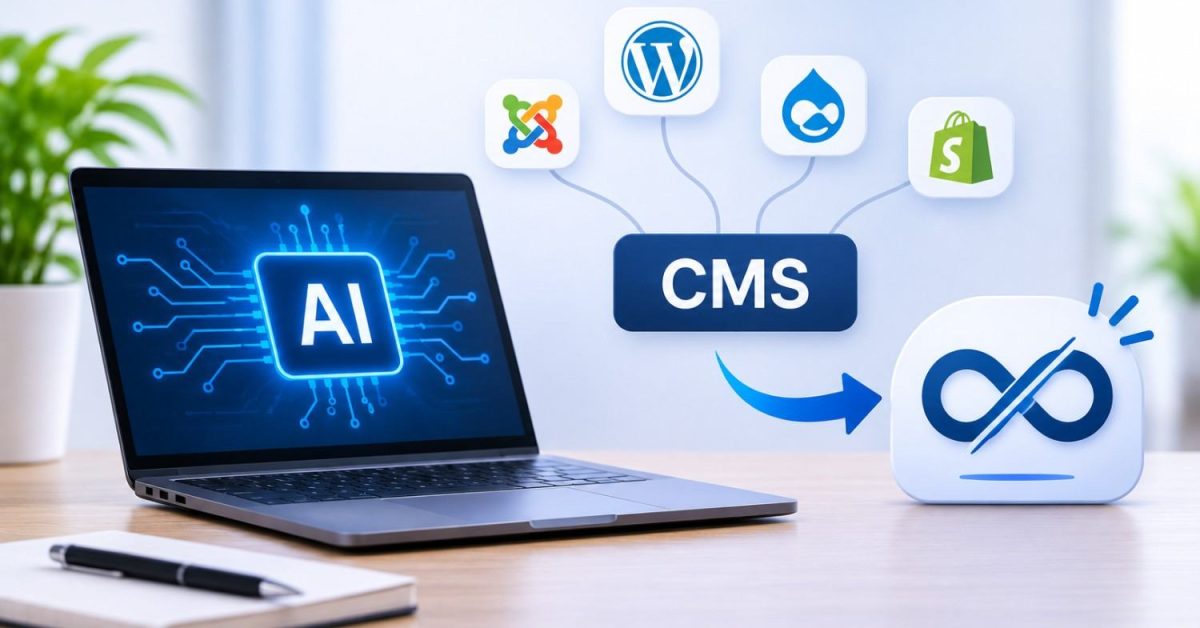
It may not even have much to do with the AI model. The application and content management system (CMS) might not be properly connected.
For companies developing AI-based products, a CMS does much more than handle publishing. It controls how information is organized, kept up to date, and shared with the systems that rely on it.
Start with What Your AI Product Really Needs
Not every AI use case requires a CMS. Databases and specialized data pipelines are the main technologies used by a fraud detection system that processes financial transactions. An AI customer support assistant, in contrast, may need product documentation, troubleshooting instructions, and frequently changing policies.
Decide what information the application needs and who will be responsible for maintaining it before choosing a platform. Developers need to know whether content will come from an API, be copied into a search index, or be delivered through another integration. The same logic applies when building agentic AI applications: define the problem and map the workflow before choosing technology.
Let’s say a software company has three subscription plans. If pricing, features, and usage limits are only available on long website pages, an AI assistant may struggle to extract the precise detail a customer needs. A CMS with structured content allows teams to store those details as separate fields.
This is where headless architecture comes in. In a headless CMS, teams manage content independently of the website or app that presents it. Teams can then retrieve structured information through APIs. One approved subscription-plan entry could serve the company website, mobile app, and the content pipeline that feeds its AI assistant, rather than requiring three separately maintained copies.
When the same content needs to serve several applications, teams can compare headless CMS platforms based on their content modeling, API delivery, editorial workflows, and integration capabilities rather than popularity alone.
Look Past the API When Assessing CMS Platforms
Contentful, Sanity, and Strapi all enable API-driven content delivery, but they have different hosting, customization, and editing methods. Having an API does not imply that a CMS is suited for AI products.
Consider an editor rewriting an article that an AI assistant uses to answer inquiries. The headless CMS may publish the update quickly, but the assistant’s external search index may still retain the previous text. Separating content from display provides developers more flexibility, but it also adds a synchronization responsibility that they must handle.
Some systems provide webhooks that notify other services when content changes. Developers can utilize these events to get updated entries and refresh the index. Otherwise, updates may be dependent on scheduled synchronization or human labor. They should also plan for unpublished material. Removing an item from the CMS should not result in a copy being available through the assistant’s retrieval mechanism.
Access permissions are equally critical. An assistant helping clients should not access secret material or unannounced product announcements just because it’s stored in the CMS. Teams must test both the CMS permissions and how their integration implements them.
Editorial usability also matters. If employees require a developer for each adjustment, the system creates a bottleneck. Product specialists should be able to update, evaluate, and publish authorized content without re-building the application. A viable headless CMS should benefit both developers who produce content and workers who manage it.
Try the CMS Before You Buy
A small prototype can reveal problems that feature comparisons miss. Develop several knowledge base articles covering product features, subscription terms, and troubleshooting. Connect the CMS to the application’s retrieval system and make sure the assistant uses approved content.
OpenAI’s retrieval guide discusses vector stores, which support semantic search and allow applications to find relevant information even when a customer phrases a question differently from the source text. But the retrieval index also needs to be kept up to date.
Edit an article and publish the change. Then check whether the new version reaches the index. Unpublish another article and confirm that the assistant can no longer retrieve it. Simulate a failed update to see whether the integration reports the problem and allows the process to be retried.
Finally, consider the engineering work required for previews, permissions, synchronization, and hosting. A low subscription price doesn’t necessarily mean the platform will be inexpensive to maintain.
Summary
As AI products advance, a CMS should make it easier to handle reliable data. Headless architecture lets you reuse information across apps, but its usefulness depends on dependable connectors, reasonable permissions, and workable editing workflows. Testing those criteria before committing is more beneficial than selecting the platform with the biggest feature list.
