
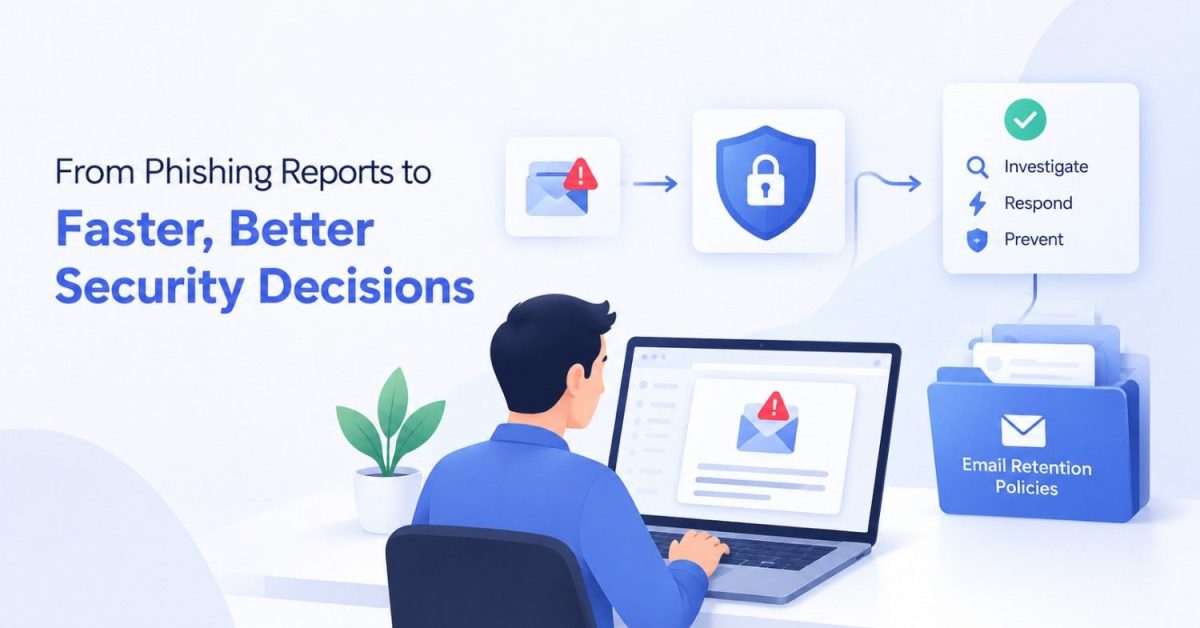
Every reported email carries information. It says what an attacker is trying, which department is being targeted, and whether the organization’s filters failed to catch it. Most security teams treat reports as a queue to clear, then lose the information once the ticket closes. The teams that do better use each report as a decision input, learning from it and acting on it before the next employee sees the same message.
Speed matters, but so does accuracy. A fast wrong answer, such as clearing a genuine attack as spam, does more harm than a slow right one, so the process has to balance both.
Getting there takes more than a button in the toolbar. It requires a culture where reporting feels normal, feedback that reaches the reporter, a clear triage workflow, analysis support that speeds judgment, and metrics that show whether decisions are improving. The sections below cover each element and how they connect.
Building a Reporting Culture That Lasts
Employees report when it feels safe, easy, and worthwhile.
Safe: Safety comes from leadership making clear that nobody is blamed for reporting a harmless message or for admitting a click. Executives who share their own near misses give permission to everyone else. A culture that punishes mistakes produces silence, and silence is the one signal that gives attackers time.
Easy: Ease means a single action. A visible report button in the mail client, available on mobile as well, removes the need to remember an address or forward attachments. Instructions should be short enough to fit in a welcome email and a reminder on an intranet page. New hires should hear about reporting on day one, since they are unfamiliar with real messages from colleagues and are therefore both vulnerable and observant.
Worthwhile: Worth comes from visible results. When staff learn that a report led to a blocked sender or a warning sent to the whole company, they understand their effort mattered. Occasional stories in newsletters, such as “a report from the finance team stopped a fake invoice campaign,” reinforce the habit. Recognition should be sincere and low-key, not a competition that pressures people into over-reporting.
Onboarding materials can reinforce this early. A one-page guide with a screenshot of the button and two sample messages, one real and one harmless, sets expectations before the first suspicious email arrives.
Feedback Loops That Keep Reporters Engaged
Silence after a report is the fastest way to end the habit. A simple acknowledgment confirms the message arrived. A follow-up with a verdict, such as “this was a phishing attempt and has been removed” or “this was a legitimate message from a supplier,” tells the employee what they learned. Even automated replies should be specific and friendly.
Feedback also teaches. A short explanation of the clues that marked a message as malicious, like a mismatched sender domain or an unusual payment request, turns each report into a micro-lesson. Employees whose reports were harmless should hear that reporting was the right call, so they do not feel foolish. This matters because the next suspicious message might be real.
Feedback should flow beyond the individual. Aggregate insights can go to department heads and to the awareness team, which can adjust training and simulations to match what attackers are actually sending. If several reports mention fake document-sharing notices, the next simulation can use that format. Data from reports can also guide technical changes, such as tightening mail filtering for a lookalike domain.
Timing counts as much as content. A reply within the hour feels like a conversation, whereas a reply after three days feels like a form letter, and the next report may never come. Where staffing prevents fast answers, a prompt automated acknowledgment with an honest time estimate keeps goodwill intact.
Triage Workflows That Separate Signal From Noise
A consistent workflow turns reports into decisions. A common design follows these stages:
- Intake: The report arrives with the original message and headers preserved.
- Classification: The message is sorted into benign, spam, suspicious, or confirmed malicious.
- Scoping: Analysts check how many mailboxes received the same message and whether anyone clicked.
- Response: The team removes messages, blocks senders or links, and resets credentials where needed.
- Communication: The reporter receives a verdict, and wider warnings go out if the threat is active.
- Learning: Details are recorded for filter tuning, training, and trend analysis.
Roles need to be clear. Who handles first-line classification, who takes escalations, and who can authorize a company-wide removal? Decision rights should be written down, with time targets attached. Playbooks for frequent categories, such as invoice fraud, credential harvesting, and executive impersonation, reduce hesitation during busy periods.
The scoping stage deserves special attention, because a single report may reveal an ongoing campaign. Finding that twenty colleagues received the same message, and three clicked, changes the response from a routine reply to an incident. Workflows that skip scoping miss this escalation.
Containment steps should be pre-approved wherever possible. If analysts must ask three people for permission before removing a message from mailboxes, the delay can erase the benefit of a quick report.
Analysis Tooling That Supports Human Judgment
Analysts make better decisions faster when evidence is assembled for them. Analysis tools can parse headers, check authentication results, follow links, scan attachments, and compare a message with others already seen, delivering a summary in seconds. That gives analysts a head start instead of a blank page.
When selecting phishing email analysis tools, the useful questions are practical:
- Does the tool show its reasoning, so a person can verify the verdict?
- Can it group duplicates into one case?
- Does it connect to the mail platform for removal, and to the ticketing system for tracking?
- How easily can analysts correct a wrong verdict?
Tools that cannot be audited or corrected tend to lose the trust of the people using them.
Automation should handle clear-cut cases and leave ambiguous ones to people. Business email compromise messages, which often contain no links or attachments, illustrate why human review still matters. A sound setup, often paired with a messaging security agent that filters threats before they reach inboxes, uses tooling to clear volume, flag risk, and keep a record, while experienced analysts decide the hard calls. Periodic sampling of automated verdicts keeps accuracy visible.
Integration decides how much time is saved in practice. Analysis results that appear directly inside the case record, with the original message, related reports, and recommended actions, let an analyst decide in a minute rather than hunting across five screens. It is the same principle behind other business workflows worth automating: remove the busywork so people can focus on judgment.
Metrics That Show Whether Decisions Are Improving
Numbers help only when they connect to decisions.
Speed metrics: Start with median time from report to first response, and from report to containment for confirmed threats. Faster numbers indicate that information is reaching action sooner. Track these separately for simple and complex cases, since a single average hides both.
Participation metrics: These show cultural health. The share of employees who have reported at least once, the report rate on simulated messages, and the proportion of reports that were actually malicious all tell a story. A healthy program sees reporting grow while the share of true threats stabilizes, which suggests employees are engaged without being careless.
Outcome metrics: These link back to risk. Count how many threats were contained before anyone clicked, how many mailboxes were cleaned after a delivery, and how many filter rules were changed because of a report. Reporter satisfaction can be sampled with a one-question survey. Review results quarterly with leadership and highlight specific examples, so the numbers carry a story about decisions made faster and better.
Qualitative checks: These complete the picture. Reviewing a handful of closed cases each month shows whether replies were clear, verdicts were consistent, and lessons reached the awareness team.
Key Takeaways
Reports become better decisions when each stage supports the next. A culture of safe reporting supplies the data, feedback keeps reporters engaged, a clear workflow sorts signal from noise, analysis tools speed evidence gathering, and metrics reveal where the process still lags.
Teams do not need to build all of this at once. Starting with acknowledgments and a simple classification scheme often brings quick gains, and tooling and metrics can follow. What matters is treating every report as information the organization can use, and every reporter as a partner in security.
A last suggestion is to name an owner. When one person is accountable for the reporting program, with time set aside to review metrics and feedback, the practice survives staff changes and competing priorities.
