
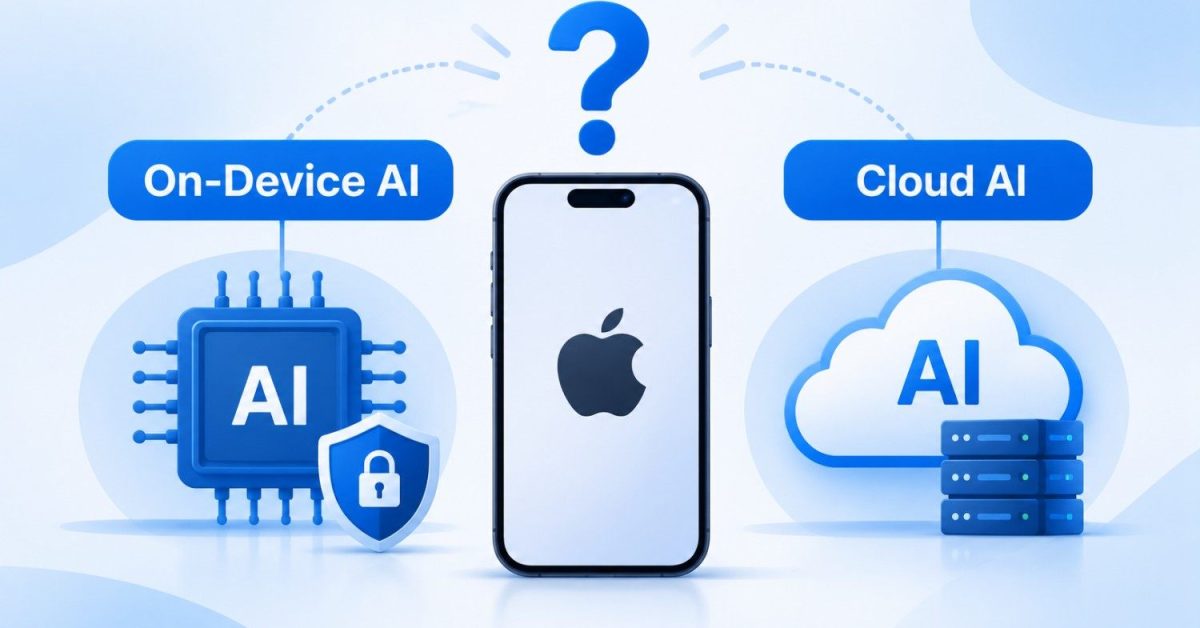
Adding AI in iOS apps used to mean one thing: send the request to a cloud model and pay for every call. That changed with iOS 26. Apple now gives apps access to a 3 billion parameter model that runs on the iPhone itself, free and offline. At WWDC26, Apple expanded the Foundation Models framework to support third-party language models, including local and server-based models such as Claude and Gemini. So founders now face a real choice for each AI feature. We have shipped AI features both ways, and the right answer depends on the job each feature has to do.
What can Apple’s on-device model do?
Apple’s on-device model handles short text tasks inside the app without a network connection or a per-request bill. According to Apple’s announcement of the Foundation Models framework, developers get:
- a 3 billion parameter model running on the device
- inference that is free of cost
- features that protect privacy and work offline
- guided generation, which returns structured output the app can rely on
- tool calling, so the model can ask the app for more information
There is a catch. It works on Apple Intelligence-compatible devices with Apple Intelligence turned on. Users on older iPhones, or users who switched it off, get nothing. Any feature built on it needs a fallback.
The model is relatively small compared with cloud-based alternatives. It works well for focused tasks such as summarizing notes, tagging entries, extracting information, and generating structured text. However, it is not designed for advanced reasoning or tasks that require extensive general-world knowledge.
When does a cloud model earn its cost?
A cloud model is worth paying for when output quality is the product. We built a K-12 education app that writes dictionary definitions for students. Two jobs needed AI, and we gave them to two different providers. Claude Sonnet writes each definition and rewrites it at different reading levels. Google’s Gemini Flash handles the vision work, scoring how well a candidate image matches the definition.
The obvious alternative was licensing an existing kids’ dictionary. Those definitions are frozen text. When classroom feedback shows a phrasing isn’t landing for a third grader, you can’t regenerate it. We accepted a higher cost per request in exchange for content we can re-tune on demand.
That trade only makes sense because the words are what the school is paying for. For a quick auto-tag, the same cost would be waste.
Why you should be able to swap models later
Build the AI layer so you can change models without rewriting the app. Models improve every few months, and prices move.
On the education app, the Vercel AI SDK sits under every AI call as a model-agnostic layer. Swapping the vision judge or upgrading Claude to a newer tier doesn’t require re-plumbing the pipeline.
Apple is moving iOS in the same direction. In the WWDC26 session Bring an LLM provider to the Foundation Models framework, Apple said it is opening the framework “to work with nearly any LLM, local or server-based,” and that Anthropic and Google will “soon” ship Swift packages for Claude and Gemini. Every model is called the same way through one protocol. For iOS teams, that points to a practical pattern: start a feature on the free on-device model, then move it to a cloud model only if quality demands it.
AI features fail in ways normal features don’t
AI features break in less predictable ways than standard screens, so they need extra testing time.
Echo Journal, the voice journaling app we own and run, records entries, transcribes them, and writes AI reflections. It also has an AI Conversation Mode. Most of the release risk lived in that conversation mode and the recording flows. Some bugs were hard to reproduce on demand, which makes them slow to fix and easy to miss.
Three habits came out of that work:
- Ship AI features in phases, not all at once.
- Keep staging and production strictly separate, and test AI flows in release builds.
- Give realistic timelines with a QA buffer instead of promising a clean release early.
There is also a human side. In a wellness app, a broken AI flow feels personal to the user in a way a broken settings screen never does. Plan for that before launch.
On-device or cloud: a quick decision table
Use this to make the call one feature at a time, not once for the whole app.
| Feature | On-device AI | Cloud AI |
| Works offline | Yes | No |
| Cost per request | No API inference fee | Usually paid per call |
| Long, complex writing | More limited | Generally stronger |
| Device compatibility | Supported Apple Intelligence devices | Any compatible device with internet |
| Data processing | On-device | Sent to cloud provider |
Most apps end up with both. The question is which features can live with a small free model and which ones carry the product.
If you’re scoping AI features with a team that offers iOS app development services, ask which features they would run on-device, which go to the cloud, and how they would swap models later. A clear answer to all three is a good sign.
Apple’s on-device model has 3 billion parameters and costs nothing per request. For a lot of everyday features, that is already enough.
Author: Daniel Haiem
Daniel Haiem is the CEO of AppMakers USA, a mobile app development agency that works with founders on mobile and web builds. He is known for pairing product clarity with delivery discipline, helping teams make smart scope calls and ship what matters. Earlier in his career he taught physics, and he still spends time supporting education and youth mentorship initiatives.
