
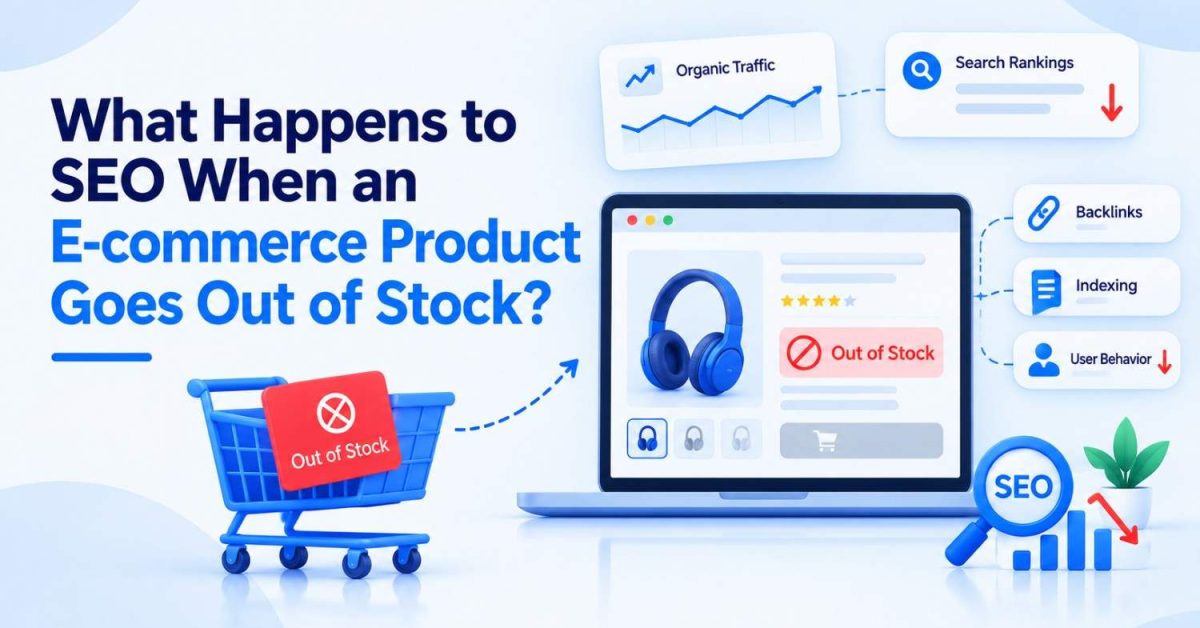
Running out of stock is common for e-commerce websites. A popular product sells faster than expected, a supplier may experience delays, or a product may be temporarily unavailable.
However, there is an essential SEO question behind every depleted stock product. Should you keep the product page live or remove it?
Deleting a page every time a product becomes unavailable can create unnecessary SEO issues. However, keeping the page indexed without providing useful information can also lead to a poor user experience, especially when customers looking for the best domain registrar discover that the offer they wanted is no longer available.
The right approach depends on the product’s availability. If it is unavailable, for how long will it be out of stock? Here is how a depleted stock product affects SEO and what ecommerce businesses can do to resolve it. But while doing so, you must ensure consumers should not experience sudden drops in traffic while looking up specific data like .com domain name price.
Don’t Delete Out-of-Stock Pages
The first thing to understand is that an out-of-stock product page does not automatically become useless.
The page already has organic rankings, backlinks, reviews, product information, and historical traffic. Removing it simply because inventory has reached zero means losing those SEO assets.
If the product is expected to return, keeping the URL live is often useful. You clearly display the out-of-the-stock status and provide information about when consumers are able to purchase it.
Rankings May Not Drop Immediately
An out-of-stock status doesn’t mean that Google instantly removes the product page from search results.
Search engines can continue discovering and understanding the page as long as the URL remains accessible and useful. However, when the product is no longer available for purchase, the page’s ability to rank for shopping related searches can shift.[1]
Google’s product structured data documentation supports availability values like OutOfStock, BackOrder, InStock, and Discontinued. It provides a way for ecommerce websites to convey the real condition of the product rather than providing inaccurate availability information.
Your Organic Traffic Can Decline
If the product is out of stock, traffic can still change, even if a product page is still indexed.
Someone who is searching for a particular product may land on your page and leave because they aren’t able to purchase that item at this moment. This can hurt the page’s ability to drive conversions.
Availability, a key component of product information, impacts shopping visibility in Google merchant listings.
This does not mean you should immediately remove the page. Instead, think about whether the page can continue providing value while the product is unavailable.
Use the Correct Availability Status
Your product page should clearly indicate if the item is out of stock.
If the product is temporarily unavailable, show a message like:
Out of stock. Expected to be available sooner.
If consumers can still place an order that will be fulfilled later, the situation is better represented as a backorder rather than simply showing the product as unavailable.
Google supports OutOfStock and BackOrder as product availability values in structured data. The important point is to make sure your markup matches what users actually see on the page.
Add Relevant Alternative Products
One of the major missed opportunities on an out-of-stock product page is failing to provide alternatives.
If someone searches for a specific product and lands on your page, they already have purchase intent. Instead of sending customers away, recommend similar products that are currently available.
For example:
This product is currently unavailable. You may also like:
● Similar Product A
● Similar Product B
● Newer Product C
Ensure the alternatives are genuinely relevant. Sending users to unrelated products simply to keep them on the website creates a poor experience.
Avoid Homepage Redirects
Redirecting every unavailable product to the homepage is usually not a useful SEO strategy.
Imagine a user searches for a specific laptop, clicks the result, and is suddenly taken to the homepage. The user must search for the product again, unsure if your business still sells it.
If the product is temporarily unavailable, keeping the original page accessible is generally useful. And if a product has been permanently discontinued and there is a relevant replacement, a redirect to that replacement makes more sense.
The destination should closely match the user’s original intent rather than simply being the website’s homepage.
Product Structured Data Becomes More Important
Structured data about the product helps search engines understand information about it, including price and availability.
Google specifically supports availability coding properties such as InStock, OutOfStock, BackOrder, PreOrder, SoldOut, and Discontinued.
If your product is not available, please ensure that your structured data accurately reflects the current status.
For example:
{
“@type”: “Offer”,
“availability”: “https://schema.org/OutOfStock”
}
Do not mark an unavailable product as InStock because you want it to remain eligible for certain search appearances. Your structured data should accurately reflect the current status of the page and the product offer.
Conclusion
A product going out of stock on an e-commerce site doesn’t necessarily mean its SEO value has diminished. In several cases, deleting the page immediately creates a problem rather than an inventory shortage.
If the product is expected to return, keep the page live, clearly show its availability status, and give users useful options such as restock notifications and relevant alternatives. Evaluate the product’s traffic, backlinks, content, and replacement options before deciding whether to keep, redirect, or remove the URL if it is permanently discontinued.
