
Two analysts test the same app in the same week and report different results. One used a phone with an older operating system and a proxy certificate installed months ago. The other used a fresh device and a different tool version.
Neither is wrong, but the team can’t compare their findings.
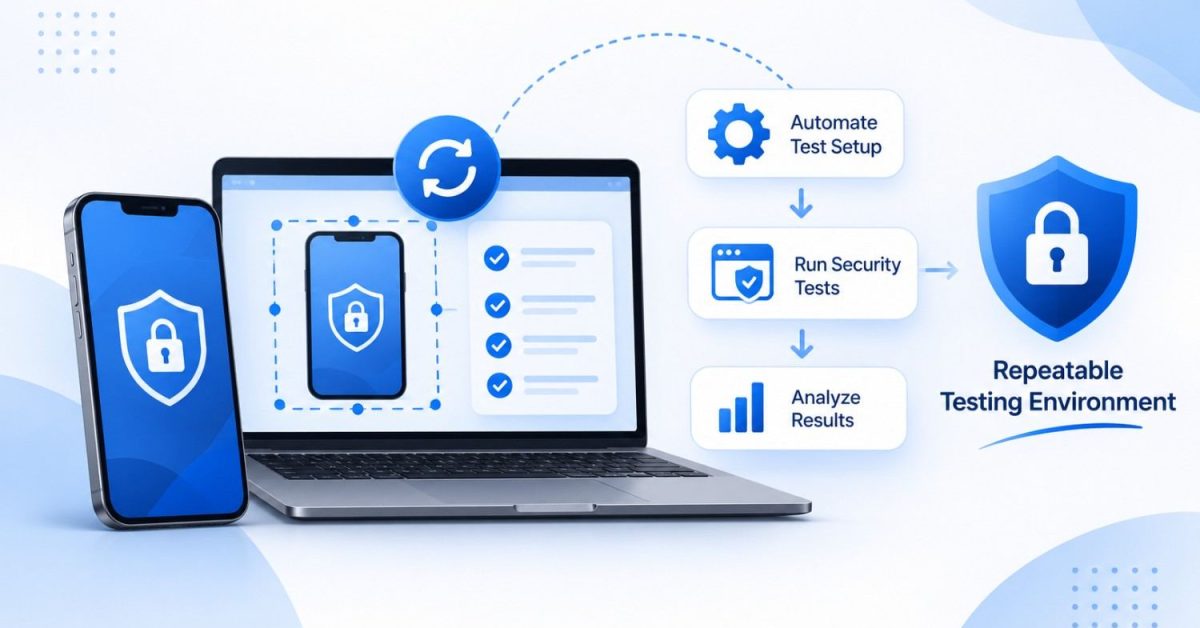
Mobile assessments suffer from this kind of drift more than most security work, because devices, operating systems and tools change constantly. A repeatable testing environment removes the variables analysts didn’t intend to introduce.
Key takeaways:
- Test on real, well-documented devices that match the app’s user base.
- Standardize tools, versions and configuration so any analyst can pick up an assessment.
- Use controlled dynamic analysis, written procedures and a standard findings format so results stay comparable across app versions.
Why Should You Use Physical Devices for Mobile Security Testing?
Physical devices reveal behavior that emulators hide. Emulators are convenient, but secure storage, biometric prompts, hardware-backed keys, push notifications and manufacturer-specific operating system changes all behave differently on a real phone.
A test bench should include devices that match the app’s actual users, covering at least one current and one older version of each platform.
Manage Every Device Carefully
Device management matters as much as device selection. For every test device, record:
- The model
- The operating system build
- Any modifications, such as rooting or jailbreaking
- When it was last reset
A device that has collected old apps, certificates and settings will produce results nobody can reproduce.
Plan for Refresh Cycles
When a new operating system version ships, decide which devices update and which stay behind as reference points. Keeping one unchanged device per platform lets analysts check whether a finding depends on the newer release.
How Do You Keep Testing Tools Consistent?
Standardize your core tools with pinned versions and shared configuration, so every analyst works from the same setup.
Analysts often build their own collections of proxies, debuggers, scripts and extraction utilities. That flexibility is useful, but it creates a bench where no two setups match. With a standard toolset, a colleague can pick up a half-finished assessment without rebuilding the environment.
Custom Kit vs Purpose-Built Toolkit
Some teams maintain their own tool collection, while others use a packaged toolkit. When evaluating an option such as NowSecure Workstation, ask:
- Which hardware and tools are included?
- How are updates managed?
- Does the setup support the team’s iOS and Android work?
Weigh the maintenance effort honestly:
| Approach | Advantage | Trade-Off |
|---|---|---|
| Custom kit | Full flexibility | Costs analyst time whenever a tool breaks after an update |
| Packaged toolkit | Consistency across the team | Some loss of flexibility |
Either way, store tool versions, certificates and settings in a document or repository so the setup can be rebuilt on demand.
How Do You Run Dynamic Analysis Under Controlled Conditions?
Dynamic analysis examines an app while it runs: the traffic it sends, the files it writes, the calls it makes and how it reacts to tampering. Controlled conditions make those observations comparable from one build to the next.
Start With a Clean Baseline
- Reset the device.
- Install the build under test.
- Capture behavior from the very first launch, since many apps do their most revealing work then.
- Route traffic through an inspection proxy with a known certificate setup.
- Note any connections that refuse the proxy, which often signals certificate pinning worth examining.
Keep the Test Conditions Stable
- Same network, accounts and data: Using the same test network, test accounts and data set avoids false differences between runs.
- Recorded steps: Log each session’s taps, inputs and timing so another analyst can repeat them.
- Saved scripts: Set up hooking frameworks and debuggers from saved scripts rather than typing commands from memory, which stops small inconsistencies from creeping in.
Network traffic is one of the most revealing parts of any assessment, especially for apps that handle messaging or sensitive data. Our explainer on the messaging security agent covers how organizations protect that layer on the enterprise side.
How Do Written Procedures Help Across App Versions?
Apps ship new versions every few weeks, and each release needs to be assessed against the last one. Written procedures turn that recurring job into a routine.
A good procedure lists:
- The setup steps
- The test cases
- The expected outputs
- The points where analyst judgment is required
Use a Dedicated Testing Workstation
A dedicated machine supports that routine. When one workstation holds the tools, certificates and device connections used for assessments, nothing is borrowed from a personal laptop or lost when someone changes projects.
A dedicated testing workstation, or an equivalent setup, lets a team keep previous builds, notes and captured traffic together. Comparing version 4.2 with version 4.3 then means reading two sets of consistent evidence.
Keep Version Comparisons Disciplined
- Archive each tested build with its checksum.
- Store captured data with the build number.
- Note which test cases changed.
- Review the procedure after every engagement and fix any step that confused someone.
A procedure that isn’t maintained gradually stops matching reality.
What Should a Standard Security Finding Include?
Consistent testing deserves consistent reporting. A standard finding should include a clear title, the affected component and version, severity with the rating method stated, reproduction steps, evidence such as screenshots or traffic excerpts, and a recommended fix.
A short template keeps authors honest:
- What was observed, in plain language
- Where and under what conditions it occurs
- Why it matters, tied to the data or functionality at risk
- Steps another person can follow to reproduce it
- Fix: a suggested remediation and how to verify it
Agree on severity definitions in advance so two analysts rate the same issue the same way. Tag findings with the app version and test date to make trends visible and confirm that fixed issues stay fixed.
Developers respond better to reports that are specific and repeatable, because they can reproduce the problem without needing a meeting. Clear findings also support broader security habits across the organization, from secure coding to everyday computer virus prevention.
Frequently Asked Questions
Why use real devices instead of emulators for mobile security testing?
Real devices expose behavior that emulators hide, including secure storage, biometric prompts, hardware-backed keys and manufacturer-specific operating system changes. Emulators are useful for quick checks, but physical devices give more reliable results.
What is dynamic analysis in mobile app security?
Dynamic analysis examines an app while it runs, including the network traffic it sends, the files it writes, the system calls it makes and how it responds to tampering.
How often should a mobile testing environment be updated?
Review it whenever a new operating system version ships or a core tool updates. Keep at least one unchanged reference device per platform so you can tell whether a finding depends on the newer release.
Final Analysis
A repeatable testing environment rests on dependable devices, consistent tools, controlled dynamic analysis, written procedures and standard findings. Each element reduces the chance that results reflect the analyst’s setup instead of the app.
Teams that invest in this foundation spend less time debugging their own bench and more time finding the issues that matter.
