
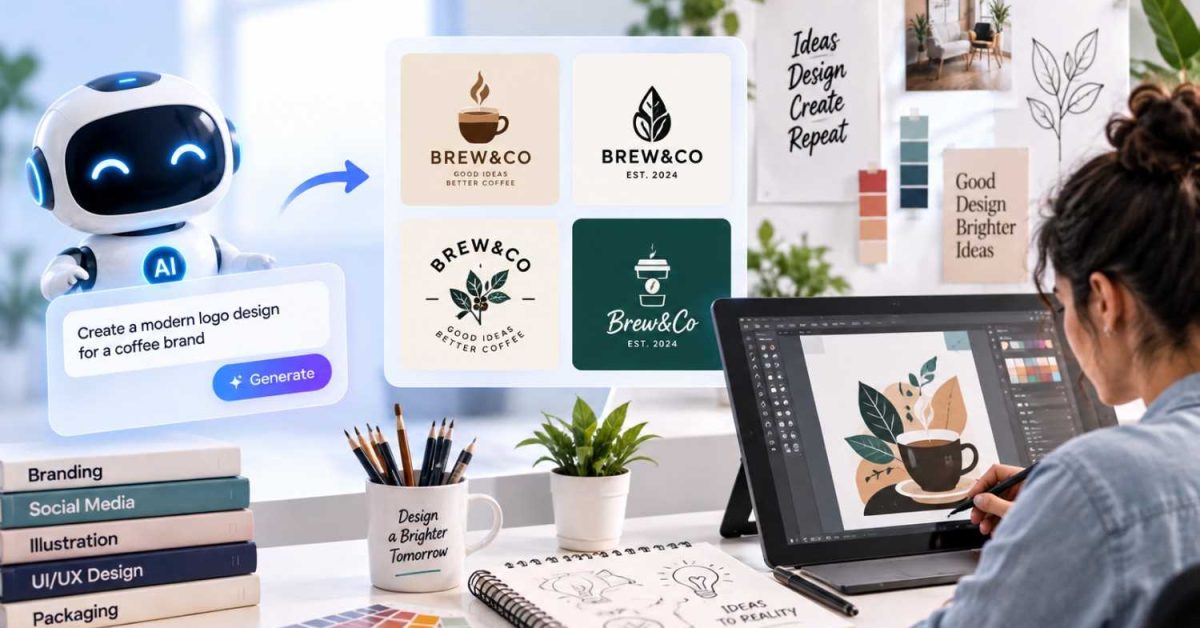
Custom design is no longer limited to traditional graphic design software and manual production. AI can now support ideation, image generation, editing, personalization, and production preparation. Used correctly, it can shorten repetitive tasks while giving designers more room to develop original concepts.
The key is to treat AI as part of the design workflow rather than a replacement for creative direction. A designer still needs to define the brief, select useful outputs, correct errors, and ensure the final design works in its intended format.
Turn Rough Ideas Into Visual Concepts
One practical use of AI is concept development. With a text-to-image model like flux image 3, a simple written description can be converted into multiple visual directions before significant production time is spent.
For example, a designer creating merchandise for an outdoor brand could describe a vintage mountain illustration, specify the desired composition, and request several visual treatments. The resulting concepts can then be reviewed for composition, typography, subject placement, and overall style.
This approach is useful during the early stages of a project because it expands the number of ideas that can be tested quickly.
AI can also help organize a creative brief into visual components such as:
- Subject and focal point
- Color palette
- Typography direction
- Image composition
- Texture and background treatment
- Intended print or digital format
The designer can then refine the strongest direction instead of starting every concept from scratch.
Build Personalized Photo Products
AI is particularly useful when a design needs to incorporate personal photographs. It can improve image quality, remove unwanted elements, extend backgrounds, and prepare images for different layouts.
This can be valuable for family projects, travel collections, weddings, portfolios, and branded customer gifts. A designer could use AI to identify suitable images, improve consistency between photographs, and create visual variations before placing them into a final layout.
For users creating customized albums, photo book software can provide the production environment for turning selected images and layouts into a finished photo book. AI can support the creative preparation stage while the final product remains structured around the user’s photographs and preferences.
Create Variations Without Rebuilding Designs
Design variations are another strong application. A single core concept may need to work across social graphics, packaging, merchandise, advertisements, and printed materials.
AI-assisted workflows can help generate variations while preserving important design elements. For example, the same illustration might be adapted to a square social post, a horizontal banner, and a product label.
An image resizer can help adjust the artwork to different dimensions without rebuilding the original design from scratch.
However, automated resizing is not always enough. Text can become poorly positioned. Subjects may be cropped incorrectly. Important visual elements may lose hierarchy.
A technical workflow should therefore include a review stage after each transformation. Check dimensions, safe areas, contrast, typography, and image resolution before approving an output.
Generate Designs for Physical Merchandise
AI can also help develop graphics intended for physical products. This includes apparel, bags, accessories, promotional items, and patches.
The important difference is that a digital image is not automatically production-ready. Physical manufacturing introduces constraints related to dimensions, materials, color reproduction, stitching, printing methods, and file formats.
For example, a detailed AI-generated illustration may look excellent on a screen but contain gradients or tiny elements that do not reproduce well at a small physical size. Designers should simplify these elements before production.
For patch projects, AI can generate initial artwork and explore different compositions, while services producing printed patches can translate suitable artwork into a physical format.
Use AI for Image Cleanup
Image enhancement is often more practical than generating an entire design with AI. Designers can also use AI image techniques to find, analyze, and work with visual assets more efficiently during the creative process.
Old photographs can contain scratches, noise, low resolution, uneven exposure, or distracting backgrounds. AI-powered editing tools can assist with restoration and enhancement while keeping the original image as the foundation.
Common applications include:
- Removing unwanted objects
- Increasing image resolution
- Correcting exposure
- Reducing noise
- Extending backgrounds
- Isolating subjects
- Repairing damaged areas
The original file should always be preserved. AI edits can introduce artifacts, especially around hair, hands, text, faces, and complex edges.
Build Multiple Design Directions Quickly
AI can function as a rapid experimentation layer. Instead of committing to one concept, designers can test several combinations of typography, composition, imagery, and color.
This is useful when developing a brand identity or campaign. A designer might create several controlled variations and compare them against the original brief.
The process becomes more systematic when prompts are structured. Include the subject, visual style, composition, dimensions, lighting, materials, and restrictions. Avoid relying on vague instructions such as “make it creative.”
Prompt consistency also matters. Changing several variables at once makes it difficult to determine which change produced a better result.
Use AI to Accelerate Repetitive Work
AI is most valuable when it handles tasks that consume time without requiring substantial creative judgment.
Adobe reported in 2026 that creative professionals surveyed used AI on more than 40% of the projects they produced on average. Nearly nine in ten respondents said generative AI had improved their work.
This does not mean every part of a design should be automated. Instead, AI can take care of repetitive production work while designers focus on decisions involving concept, originality, audience, and brand consistency.
Keep Human Review in the Workflow
AI-generated designs still require careful inspection. Models can create incorrect text, inconsistent proportions, duplicated details, strange anatomy, and visual artifacts.
A reliable workflow separates generation from approval. First generate ideas. Then select the strongest direction. Next refine the artwork manually. Finally, check technical requirements before exporting.
This is especially important for physical products. Verify the final dimensions, resolution, color profile, transparency, typography, and production specifications.
The most useful AI workflow is therefore not fully automated. It is controlled. AI expands the number of possibilities a designer can explore, while human judgment determines which ideas become finished designs.
