
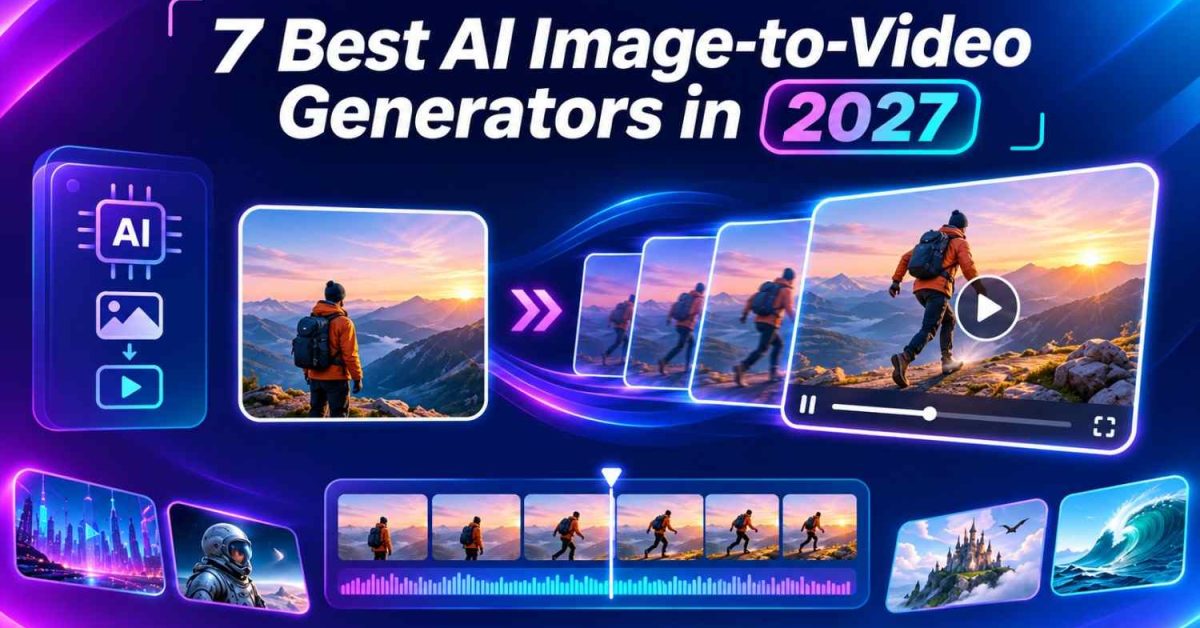
Turning a still image into a moving video no longer requires advanced editing skills. AI image-to-video generators can animate photos, add camera movements, and create short video clips from simple text prompts. These tools are useful for social media content, product promotions, marketing campaigns, and creative projects.
Some platforms focus on realistic movement, while others offer cinematic effects, character animation, and editing tools. Choosing the right one depends on the type of video you want to create.
Here are seven AI image-to-video generators worth exploring in 2027, based on the features and creative capabilities available in 2026.
Quick Comparison of the Best AI Image-to-Video Generators
| Tool | Best for | Key strength |
|---|---|---|
| Invideo | Overall video creation | Multiple AI models and timeline editing |
| Runway | Cinematic videos | Advanced motion controls |
| Kling AI | Realistic animations | Natural movement and character consistency |
| Luma Dream Machine | Creative storytelling | Cinematic effects and keyframes |
| Pika | Social media videos | Creative photo animation |
| Adobe Firefly | Professional projects | AI generation and creative workflows |
| Google Flow | AI filmmaking | Scene creation and visual storytelling |
1. Invideo
Invideo is an AI-powered video creation platform that turns still images into moving video clips. Its Image to Video tool lets users upload product photos, portraits, illustrations, or property images and animate them with simple text prompts.
Users can describe movements such as a slow zoom or camera pan and choose from AI models, including Seedance, Kling, and Runway. Invideo Agent can also maintain brand colors, product packaging, and character references across multiple clips, which makes it useful for consistent marketing videos.
The platform supports different animation styles, including hand-drawn effects, 3D-style animation, and portrait animation. It also offers storyboarding, scriptwriting, real-time collaboration, and a timeline editor for refining videos before exporting them for YouTube, Instagram, or TikTok.
Key features:
- Animates JPG, PNG, and WEBP images using text prompts
- Offers multiple AI models, including Seedance, Kling, and Runway
- Maintains product, brand, and character references across clips
- Supports storyboarding, scriptwriting, and timeline editing
Best for: Content creators, marketers, and businesses creating product videos, social media ads, and animated visuals.
Limitations: Free-plan usage and exports are limited, while video duration depends on the selected AI model.
2. Runway
Runway is an AI video generation platform known for cinematic visuals and detailed animations. Its image-to-video features let creators upload photographs or artwork and turn them into moving scenes using text instructions. Users can describe camera movements, subject actions, and visual effects to guide the final output.
The platform offers advanced video models designed to produce realistic motion and consistent visual results. Runway is especially useful for filmmakers, creative agencies, and designers who want more control over how their videos look. Its editing and generation tools also help creators experiment with different versions of a scene.
Runway works well for short films, promotional videos, concept development, and visual storytelling projects.
Key features:
- Image-to-video generation with text prompts
- Cinematic camera movement controls
- Advanced AI models for realistic animations
- Tools for creating and refining visual scenes
Best for: Filmmakers, designers, and creators producing cinematic video content.
Limitations: Higher-quality generations can consume credits quickly, making frequent experimentation expensive.
3. Kling AI
Kling AI is an image-to-video generator focused on realistic motion and detailed character animation. Users can upload an image and describe the movements they want, such as a person walking, an object rotating, or a camera moving through a scene.
The platform offers AI models that can produce natural-looking movements while maintaining important visual details. Its reference-based features help creators keep character appearances consistent between generated clips. Kling AI also supports motion controls and audio features on compatible models.
These capabilities make it useful for animated portraits, product demonstrations, digital storytelling videos, and social media content. It is especially appealing when realistic movement matters more than complex editing features.
Key features:
- Realistic image-to-video animation
- Character and visual reference controls
- Camera movement and motion guidance
- Audio generation on supported models
Best for: Creators producing realistic animations, character videos, and product demonstrations.
Limitations: Complex movements may produce visual errors, and advanced features depend on the selected model or plan.
4. Luma Dream Machine
Luma Dream Machine is an AI video creation platform designed for cinematic animation and creative storytelling. Users can upload still images and turn them into short video clips using text prompts that describe movements, camera angles, and scene changes.
One of its most useful capabilities is keyframe-based generation, which lets creators provide starting and ending images to guide the animation. This gives users more control over how a scene develops and helps create visual transitions between different images.
Luma Dream Machine works well for concept videos, artistic animations, cinematic sequences, and promotional content. Its creative tools make it an interesting option for designers and storytellers experimenting with visual ideas.
Key features:
- Image-to-video generation with text prompts
- Starting and ending keyframe controls
- Cinematic camera movements and animations
- Creative visual effects and scene transitions
Best for: Designers, artists, and storytellers creating cinematic animations.
Limitations: Complex scenes can require multiple generations before producing the desired result.
5. Pika
Pika is an AI video generator that helps users animate photographs, illustrations, and other still images. Its interface makes it easy to upload an image, describe the desired movement, and create short animated videos without advanced editing knowledge.
The platform is especially useful for creative effects and social media animations. Users can experiment with visual transformations, playful movements, and different animation styles. Pika also offers Pikaframes, which lets creators generate video transitions between reference images.
These tools make Pika useful for social media posts, short promotional videos, digital artwork, and entertaining visual content. It works best for creators who want quick animations rather than complicated video production workflows.
Key features:
- AI-powered photo and image animation
- Text prompts for controlling movement
- Creative effects and visual transformations
- Pikaframes for image-based transitions
Best for: Social media creators, artists, and users creating short, engaging animations.
Limitations: Short video durations and credit limits can make longer projects less practical.
6. Adobe Firefly
Adobe Firefly is an AI-powered creative platform that includes tools for turning still images into animated videos. Users can upload photographs, illustrations, or digital artwork and describe the movements they want the AI to generate. Before animating a still, it is worth verifying the source image, and these image search techniques show how to trace an image’s origin and confirm it is authentic.
The platform provides options for controlling camera movements, visual composition, and video generation settings. Adobe Firefly also connects with other Adobe creative tools, which makes it convenient for designers and marketing teams already using Adobe products.
Another advantage is its focus on professional creative workflows. Adobe offers its own commercially oriented video model alongside access to selected third-party models, although usage rights can vary. Firefly is useful for product visuals, advertising content, and creative marketing projects.
Key features:
- AI image-to-video generation
- Camera movement and visual controls
- Access to multiple supported video models
- Connections with Adobe creative workflows
Best for: Designers, creative agencies, and marketing teams working on professional projects.
Limitations: Generative credits and premium model access can increase costs for frequent video creation.
7. Google Flow
Google Flow is an AI filmmaking platform designed to help creators develop video scenes using generative AI. It supports image-guided video creation, which lets users turn visual references into moving scenes with realistic camera movements and detailed environments.
The platform connects with Google’s generative video models and provides creative controls for developing shots and visual sequences. Users can experiment with scene composition, camera direction, and storytelling without traditional filming equipment.
Google Flow is especially useful for creators interested in AI filmmaking, cinematic concepts, and experimental video projects. Those comparing different filmmaking platforms can also explore these Google Flow alternatives to understand the available options.
Key features:
- AI video generation using visual references
- Cinematic scene creation and camera controls
- Access to Google’s generative video models
- Tools for building visual storytelling sequences
Best for: Filmmakers and creators experimenting with AI-generated video scenes.
Limitations: Building longer videos may require additional editing, and model access depends on the account and plan.
8. Renderforest
Renderforest is an all-in-one content creation platform whose Renderforest image to video AI turns still images into short, polished video clips without any editing skill. It sits alongside the brand’s wider set of video, logo, and design tools, so creators can animate an image and then finish the whole project in one place rather than stitching together separate apps.
Key features
- Converts static images into animated video clips from a simple prompt
- Library of templates and styles to shape the look of the output
- Built-in editor to add music, text, and branding after generating
- Export in web-ready formats for social media, ads, and product pages
Best for: Small businesses, marketers, and social media creators who want quick image-to-video clips as part of a broader content workflow.
Limitations: Output leans toward short, template-friendly clips rather than long-form or highly cinematic sequences, and the fuller feature set sits behind paid plans.
How to Choose the Best AI Image-to-Video Generator
The right AI image-to-video generator depends on your creative needs. If you want realistic animations, look for platforms offering character consistency and motion controls. For cinematic videos, camera movements and keyframe options are important.
Businesses and social media creators should also consider editing features, export formats, and aspect ratios. Understanding how to resize videos for different platforms can help prepare generated clips for social media publishing.
Before choosing a platform, compare its generation credits, video quality, ease of use, and commercial usage terms.
Frequently Asked Questions
What is the best AI image-to-video generator in 2027?
Invideo is a strong overall option because it combines image animation, multiple AI models, and timeline editing. Runway and Kling AI are also suitable for cinematic videos and realistic movement.
Can AI turn a still photo into a moving video?
Yes. AI image-to-video generators can animate photographs and illustrations. Users upload an image, describe the desired movement, and generate a video clip.
Are AI image-to-video generators free?
Many platforms offer limited free access or trial credits. Advanced models, higher resolutions, and increased generation limits often require paid subscriptions.
Can I use AI-generated videos for marketing?
Yes. Businesses can create product videos, promotional clips, and social media content using AI-generated animations. Always check the platform’s commercial usage terms before publishing.
Conclusion
AI image-to-video generators make it easier to create animated content from existing photographs and illustrations. Each platform offers different strengths, from realistic motion and cinematic effects to creative animations and filmmaking tools.
For users who want image animation, multiple AI models, and timeline editing within one platform, invideo is a compelling choice. The best option ultimately depends on the creative control, video quality, and editing features your project requires.
